On this page
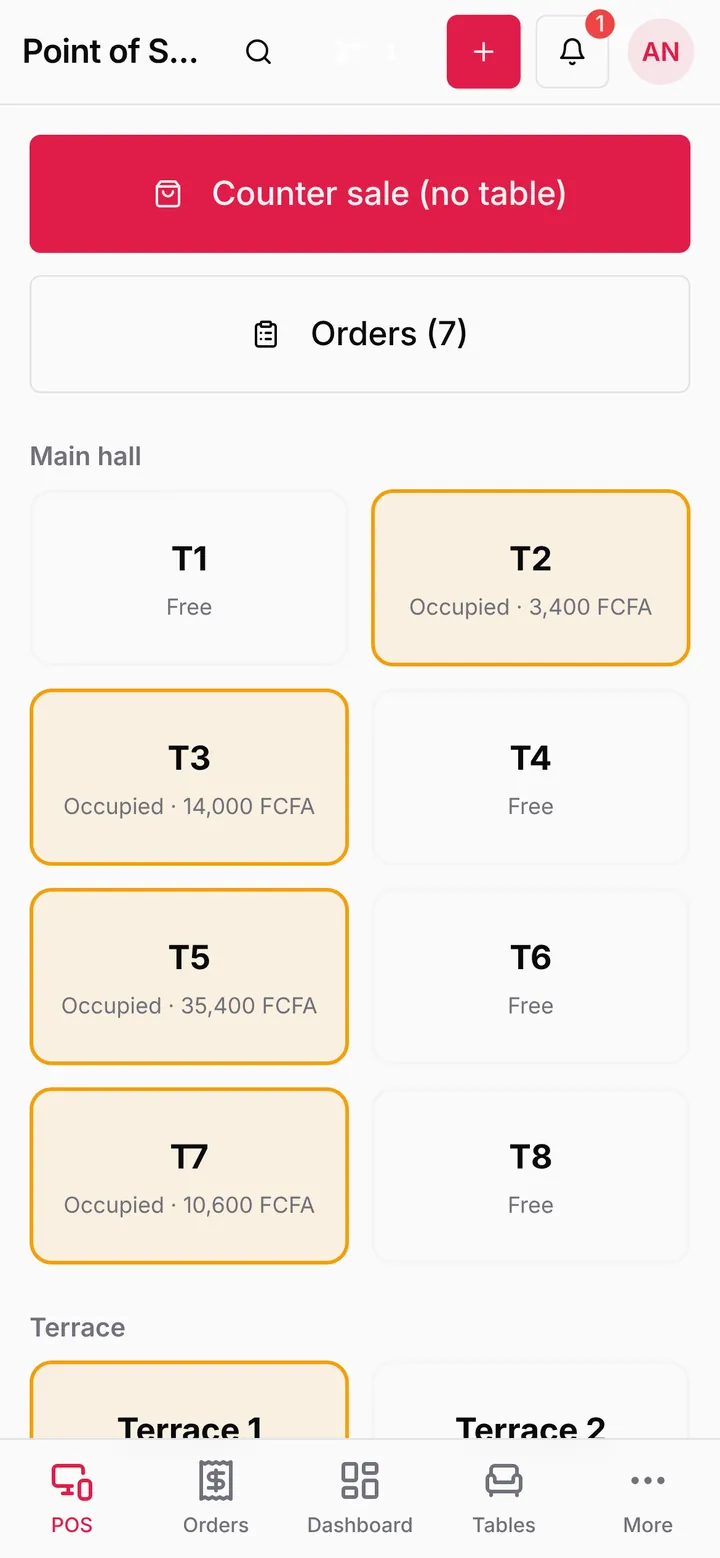
The phone app opens the same LoungeOS you use on the web, sized for the phone, and adds what only a phone can do: notifications, a home-screen widget, the camera as a barcode scanner, Android printing and sharing.

Install and sign in
- On your phone, open loungeos.app/download and press Download for Android (Android 7 or later).
- Open LoungeOS-Android.apk, allow installs from your browser or files app if Android asks, and press Install.
- Open the app and sign in with your email and password, or Continue with Google. Google sign-in finishes in your phone’s browser, which then sends you back to the app.
- Allow notifications when Android asks.
If you had the old LoungeOS app, uninstall it after you install this one. They are two different apps.
Notifications for your role
Each person only gets what concerns them:
| Event | Who gets it |
|---|---|
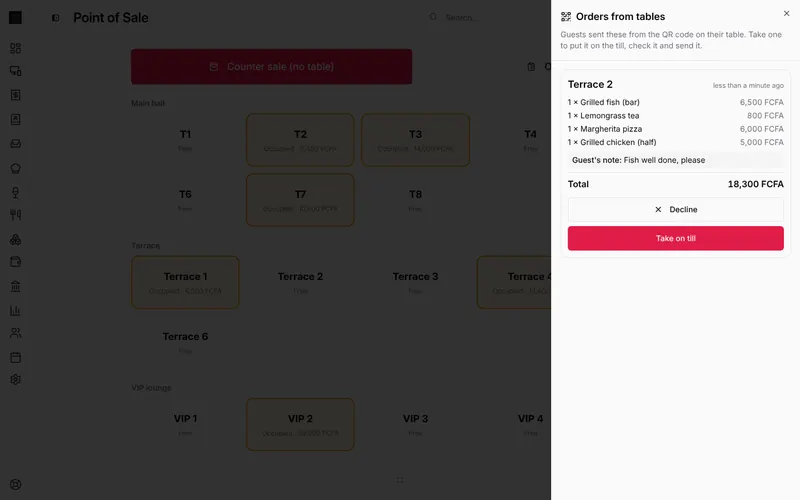
| A guest orders from the table QR code | Waiters, cashiers and managers |
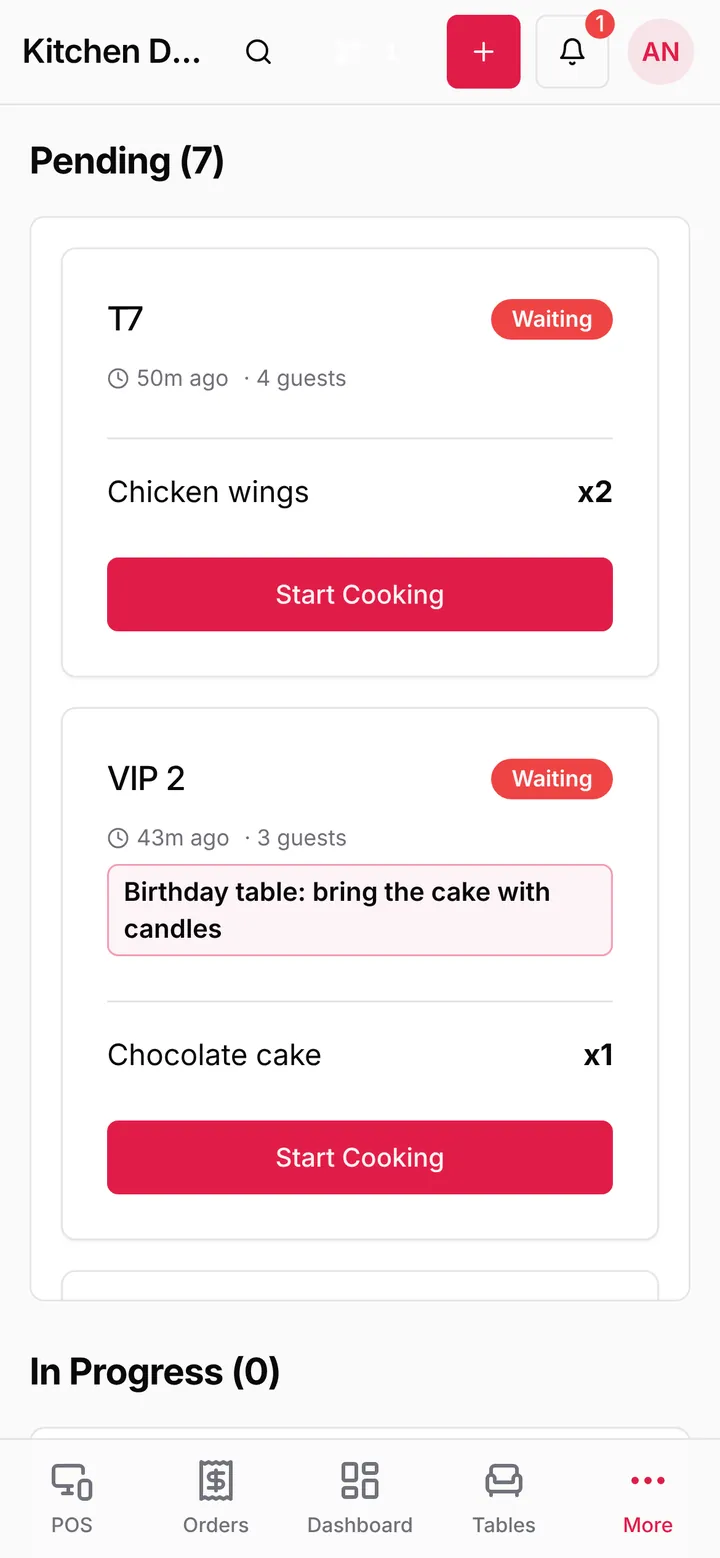
| A kitchen or bar ticket arrives | The chef (kitchen) or the bartender (bar) |
| An order is ready to serve | The waiter who took it |
| An order is cancelled | Managers |
| An item runs low or out of stock | The stock manager and managers |
| A support ticket is assigned to you | You |
Notifications stop if they are more than 10 minutes late, so the phone never fills up with old news after it was off.
Check it works. Open the menu under your picture, My settings, Phone app. You see your phone with Notifications on or Notifications off. Press Send a test notification: it arrives in a few seconds. If notifications are off, allow them for LoungeOS in Android settings, then open the app again.
The home-screen widget
Long-press an empty spot on your home screen, choose Widgets, find LoungeOS and drag it out. It shows up to four figures for today’s business day, chosen by your role:
- Owners and managers: sales today, number of sales, open bills, stock alerts
- Waiters: my sales, my open bills, ready to serve, table orders
- Cashiers: sales today, open bills, my sales, table orders
- Chefs and bartenders: waiting, preparing, ready, late (20+ minutes)
- Stock managers: out of stock, low stock, items tracked, stock value
- Accountants: sales today, money in, expenses, owed on tabs
Tap the widget to open the matching page in the app.
Scan, print and share
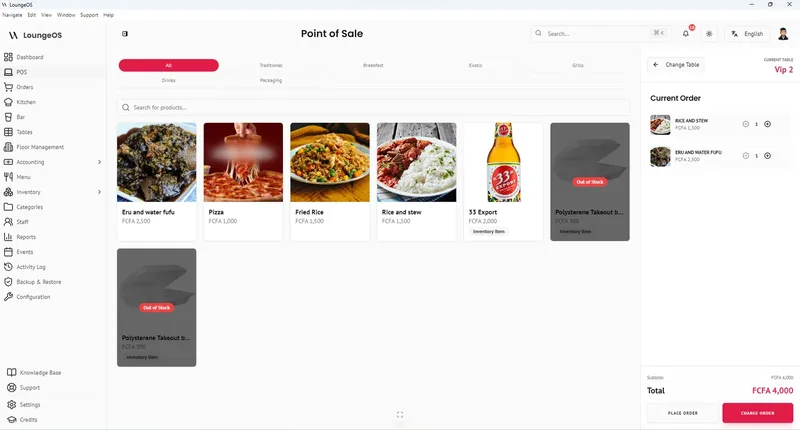
- Scan barcodes with the camera: on the till, press Scan with camera to add a product by its barcode.
- Print receipts through Android printing to any printer your phone can reach.
- PDF and Excel exports (reports, receipts, stock lists) open the share sheet, so you can send them on WhatsApp or save them.
The app keeps you signed in: there is no automatic sign-out after 30 minutes like in a shared browser.
Frequently asked questions
Is there an iPhone app?
Not yet. On an iPhone, open app.loungeos.app in Safari and use Share, Add to Home Screen.
Does the phone app work without internet?
No. The phone app works with your business online. For selling through internet cuts, use the Windows or Mac app on the till.
What does LoungeOS collect from the app?
Crash reports, so we can fix problems, tagged only with your staff and business ids (no names or emails). No advertising id and no Google Analytics.
Stuck on a step? Write to support@loungeos.app or WhatsApp +237 679 690 703 and say which page you are on.