Café & Fast Food POS
A simple, fast POS for cafés, snack bars and fast food
Counter service needs speed, not complexity. LoungeOS runs on a single laptop or tablet setup, rings up orders in seconds and tracks the cups, boxes and bottles that quietly eat your margin.
30-day free trial · No credit card · Works without internet
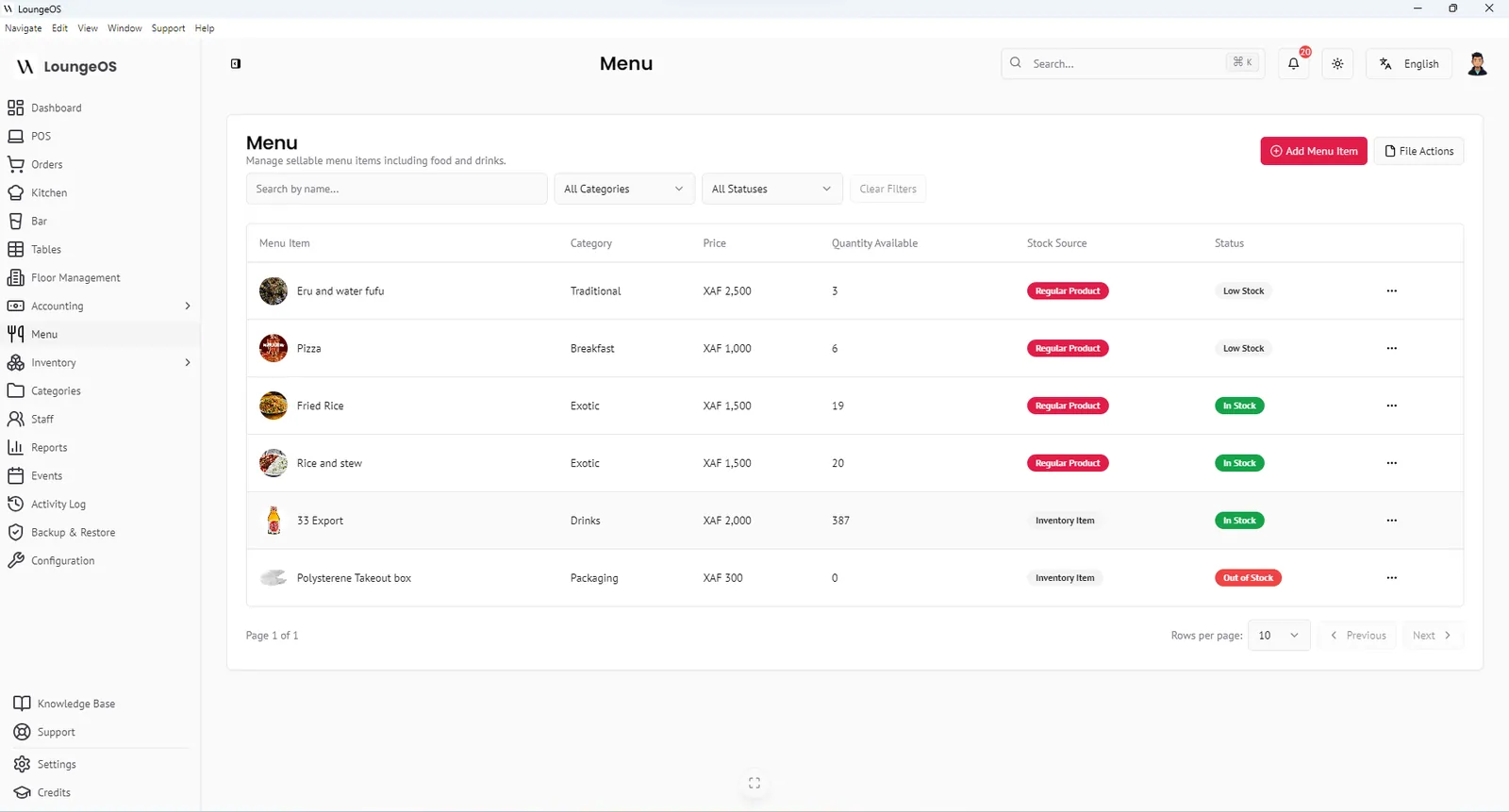
A café or fast-food POS has to ring up orders quickly, print a receipt and keep stock of high-turnover items: coffee, bread, soft drinks, takeaway boxes and cups. LoungeOS covers this on minimal hardware, with the same anti-theft and accounting tools as large restaurants.
A setup that fits a small counter
- One laptop at the counter runs LoungeOS and is also the cashier screen.
- One tablet or phone in the kitchen shows food orders on the kitchen display.
- One thermal printer for receipts (optional).
That’s it. No proprietary terminal and no per-device fee. Add more devices later at no extra cost.
Counter orders in seconds
Create a Counter table (or several, for queue numbers) and ring up orders from the photo grid. Variations handle sizes such as small, medium and large or single and double. Cash payments show the change due, and mobile money payments store the reference.
Track packaging, not just food
Takeaway boxes, cups, lids and bags are real costs that most small outlets never count. In LoungeOS they are stock items like any other. When they run low you get an alert, and when they disappear you see it. Items like bottled drinks can be sold directly from stock and are greyed out on the POS when they run out.
Simple control for owners who aren’t always there
- Each cashier has their own login. Cancellations require a reason.
- The dashboard shows today’s revenue, orders and top categories.
- The activity log shows what happened while you were away.
Frequently asked questions
Can I run LoungeOS on just one computer?
Yes. The host computer can also be the cashier station. Add phones or tablets only if you need them.
Is it suitable for a food truck or kiosk?
Yes, if you have a Windows laptop. It works without internet, and a laptop battery covers short power cuts.
Can I sell items without tables?
Create one or more “Counter” or “Takeaway” tables and use them for counter service.
Can I accept mobile money at the counter?
Yes. Record MTN MoMo or Orange Money payments with their transaction reference, or split a payment between cash and mobile money.
Run your next service on LoungeOS
Install LoungeOS on a Windows computer, connect your tablets and phones over Wi-Fi, and run real service for 30 days. Free, no credit card.
Explore more
Restaurant POS hardware guide
Host computer, tablets, thermal printer, Wi-Fi and UPS, with three budget setups.
Read guide →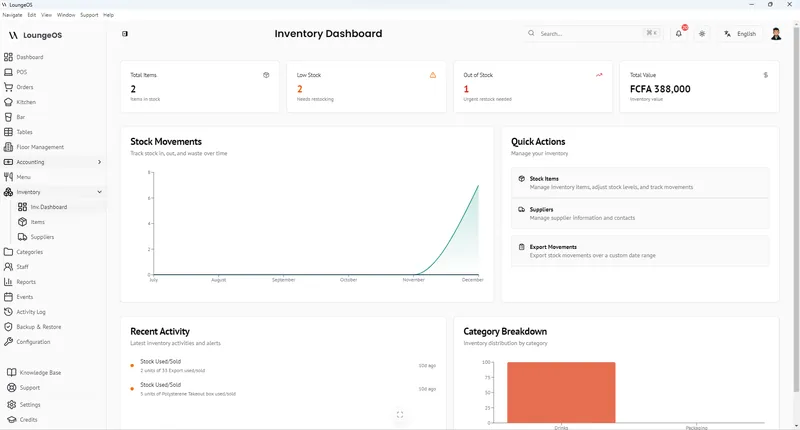
Restaurant inventory management, step by step
Item list, units, par levels, receiving, FIFO, waste and variance in 8 steps.
Read guide →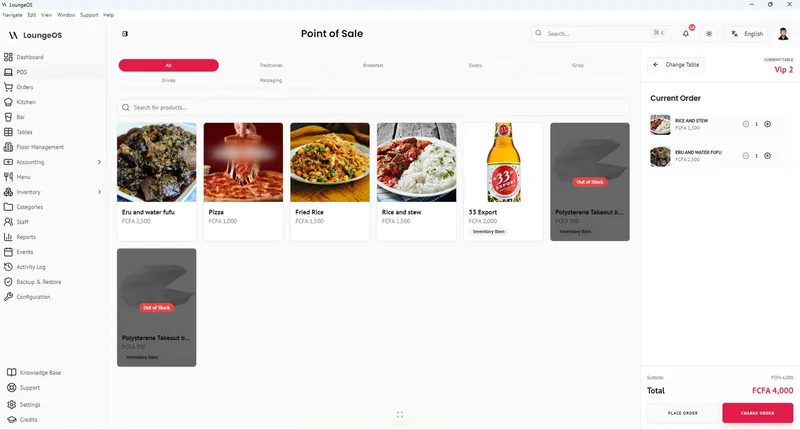
Mobile Money & Payments
Record MTN MoMo and Orange Money with references, plus cash and card. Split one bill across methods.
Learn more →