Payments & Mobile Money
Cash, card and mobile money, recorded properly on every bill
In much of Africa, mobile money is how customers pay. LoungeOS records MTN Mobile Money and Orange Money with the transaction reference, alongside cash and card, so every franc is accounted for at closing time.
30-day free trial · No credit card · Works without internet
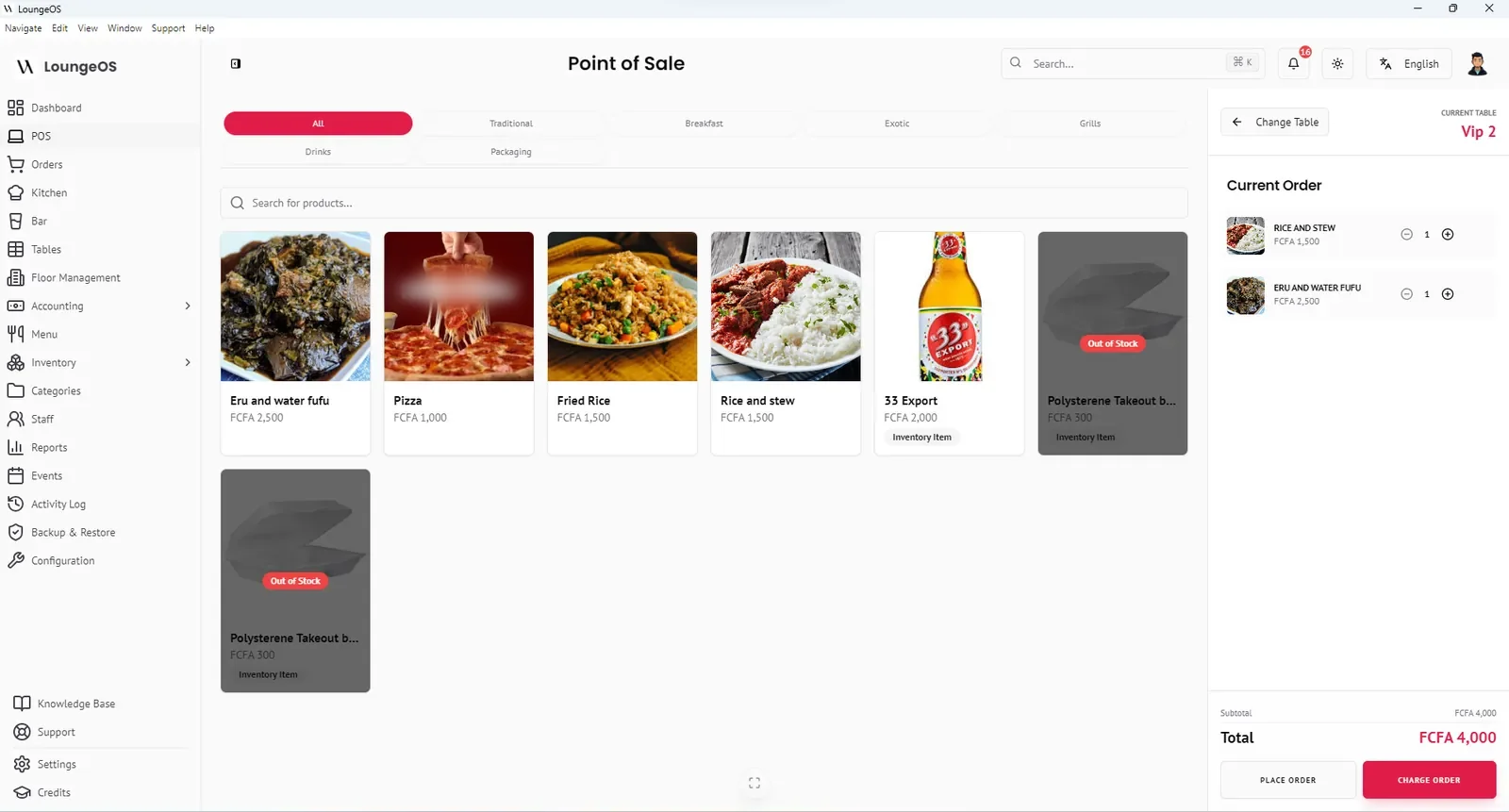
A POS with mobile money support lets the cashier record that a bill was paid by MTN Mobile Money (MoMo) or Orange Money, with the transaction reference, in the same place as cash and card payments. LoungeOS does this on every plan. Your end-of-day totals then show exactly how much should be in the cash drawer and how much in each wallet.
Payment methods in LoungeOS
When the cashier clicks Charge order, they choose:
- Cash. Enter the amount received and LoungeOS shows the change due.
- Card / bank transfer. For payments on your bank’s card terminal or by transfer.
- Mobile money. Select MTN Mobile Money or Orange Money and type the transaction reference from the confirmation SMS.
A group can split the payment, for example part cash and part MoMo. When the payment is confirmed the order is closed, the table becomes available and the receipt prints.
Why the transaction reference matters
Mobile money fraud at the counter is common. A customer shows a fake or old confirmation message, or a staff member claims a cash sale was paid by MoMo and keeps the cash. Recording the reference on each bill means that:
- At closing, the manager compares LoungeOS mobile money totals with the merchant wallet balance.
- Any payment without a matching reference in the wallet history stands out immediately.
- Every payment is attached to a cashier, a table and a time.
Our guide to accepting mobile money in your restaurant explains how to set up merchant accounts and a daily reconciliation routine.
How LoungeOS handles payments
LoungeOS records payments. It does not move the money itself. The money moves through the customer’s wallet and your merchant account, or through your bank’s card terminal. This has two practical advantages:
- No extra processing fees from us. You pay only the operator’s or bank’s usual fees. LoungeOS takes no percentage of your sales.
- Payments never block service. Even when the internet is down, the cashier can record a cash payment and close the table. Card terminals and mobile money still depend on the operator’s network, so record those once the operator confirms.
Currencies and taxes
LoungeOS supports XAF (FCFA), USD, EUR, GBP, NGN and GHS out of the box, plus any custom currency. Configure your tax rates once, for example VAT at 19.25% in Cameroon, and every bill calculates them automatically.
Frequently asked questions
Does LoungeOS connect to the MTN MoMo or Orange Money API?
LoungeOS records mobile money payments with their transaction reference. It does not currently trigger payment requests to the operator. The customer pays to your merchant number or code, and the cashier enters the reference.
Can one bill be paid with cash and mobile money?
Yes. Split payments let a group pay part of the bill with cash, part with card and part with MTN MoMo or Orange Money.
Do you charge a fee on mobile money payments?
No. LoungeOS is a flat subscription. Any fees are charged by your mobile money operator or bank, not by LoungeOS.
Which other wallets can I use?
The built-in options are MTN Mobile Money and Orange Money. Payments from other wallets or bank apps can be recorded as card or bank transfer.
Run your next service on LoungeOS
Install LoungeOS on a Windows computer, connect your tablets and phones over Wi-Fi, and run real service for 30 days. Free, no credit card.
Explore more
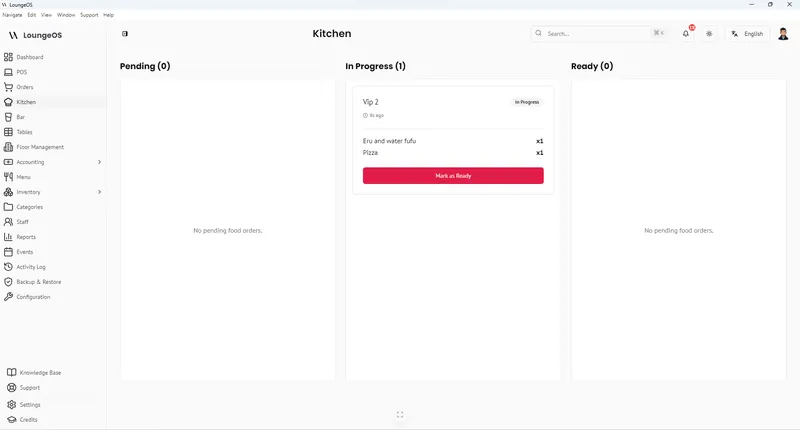
How to accept mobile money in your restaurant
Merchant accounts, a fraud-proof checkout routine and daily reconciliation for MoMo and Orange Money.
Read guide →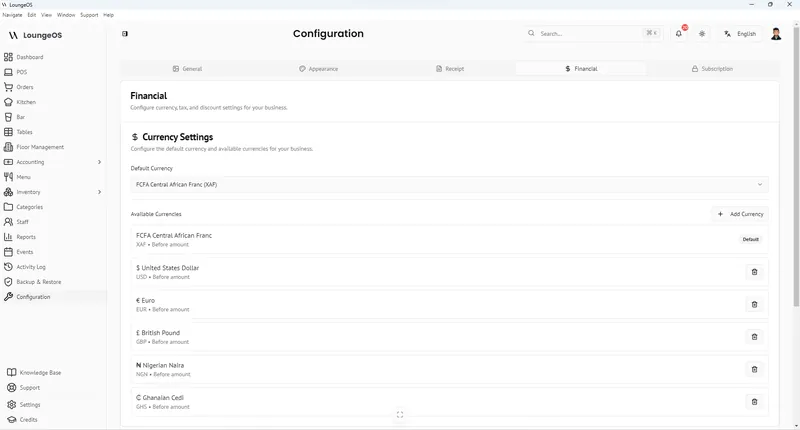
LoungeOS in Cameroon
FCFA prices, MTN MoMo & Orange Money, 19.25% VAT, English and French.
Learn more →
LoungeOS in Africa
Offline operation, mobile money, local currencies and regional pricing across Africa.
Learn more →