Phone App
The LoungeOS phone app: your business in your pocket, with the right alerts
Waiters take orders at the table, chefs see tickets arrive, owners watch today's sales from anywhere. Each person gets the notifications that matter to their job, and a home-screen widget with their numbers.
14-day free trial · No payment up front · Sells offline on Windows and Mac
Need help installing or setting up LoungeOS for your business? Message or call us on WhatsApp +237 679 690 703 (call)

The LoungeOS Android app is the full LoungeOS on a phone: the till, tables, kitchen and bar screens, stock, customer tabs, reports and settings, sized for a small screen. It adds what only a phone can do: notifications, a home-screen widget, the camera as a barcode scanner, and sharing PDFs and Excel files straight to WhatsApp.
It is free with every plan and uses the same LoungeOS account as the web app and the Windows and Mac tills.
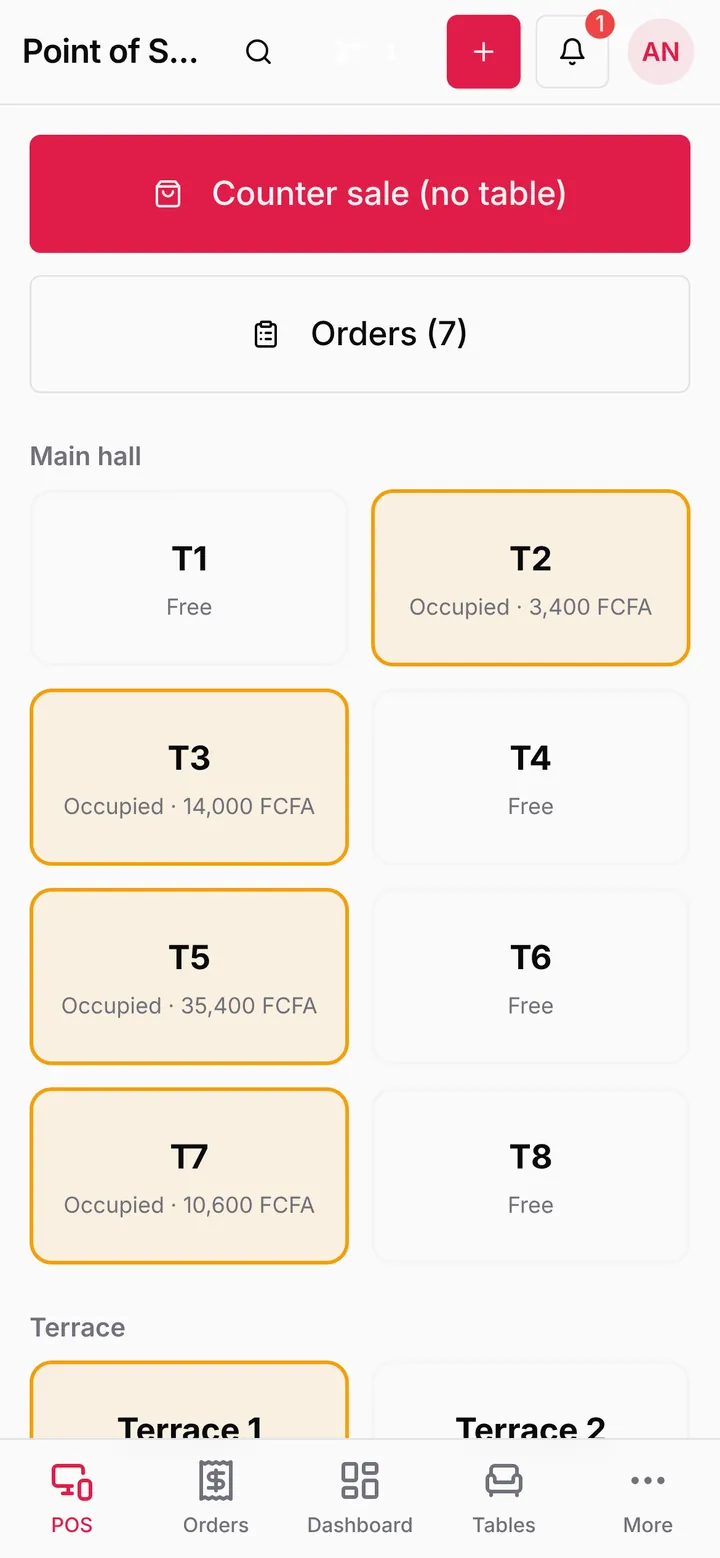
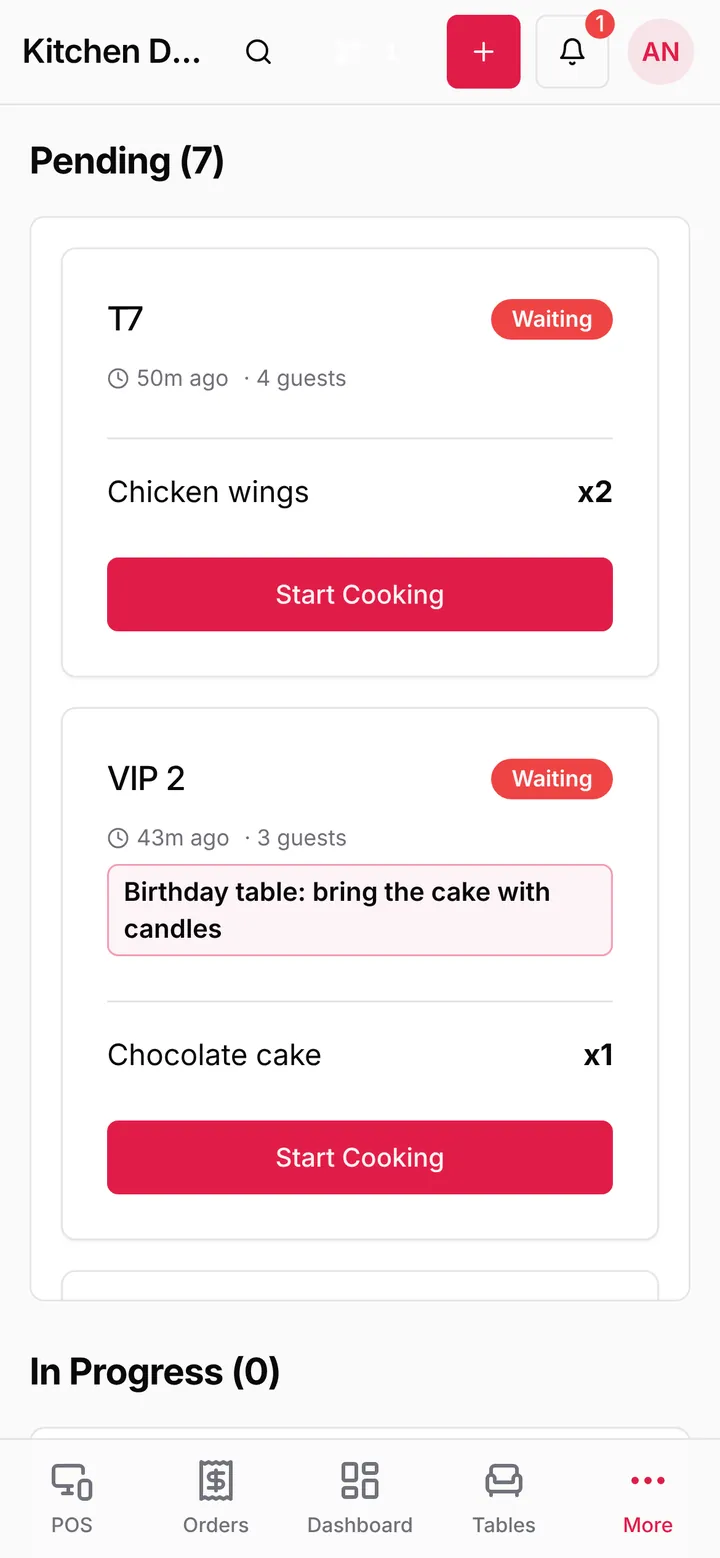

Notifications for each role
Most POS apps either send nothing or send everything to everyone. LoungeOS sends each person what concerns their job:
| What happens | Who is notified |
|---|---|
| A guest orders with the table QR code | Waiters, cashiers and managers |
| A ticket reaches the kitchen or the bar | The chef or the bartender |
| An order is ready to serve | The waiter who took it |
| An order is cancelled | Managers |
| Stock runs low or out | The stock manager and managers |
Notifications older than 10 minutes are dropped, so a phone that was off all afternoon doesn’t buzz with old orders. Anyone can check their phone is set up from My settings, Phone app, with Send a test notification.
A widget with today’s numbers
Add the LoungeOS widget to the home screen and see up to four figures for the business day without opening the app. They follow the role: sales today and stock alerts for the owner, open bills and orders ready to serve for a waiter, waiting and late tickets for the chef, money in and expenses for the accountant.
Built for the floor
- Take orders at the table and send them to the kitchen and bar without walking to the counter.
- Scan barcodes with the camera on the till: no scanner needed in a small shop.
- Print receipts with Android printing, or share them as PDF.
- Export reports to PDF or Excel and send them on WhatsApp in two taps.
- Stay signed in. The app doesn’t sign you out after 30 minutes like a shared browser does.
Phone app or till?
The phone app works with your business online, so it needs internet. For the counter, where selling must go on during internet cuts, use the Windows or Mac till, which keeps everything on the computer and syncs later. During an outage, staff phones can keep ordering by opening the till in their browser over your Wi-Fi. Most businesses run one till at the counter and give phones to waiters, the chef and the owner.
Privacy
The app sends crash reports so we can fix problems, tagged only with staff and business ids. There is no advertising id and no Google Analytics.
Get the app
Download the APK from the download page on an Android 7 or later phone. The step-by-step guide is in the help centre: The LoungeOS phone app.
Frequently asked questions
Is there an iPhone app?
Not yet. iPhone users open app.loungeos.app in Safari and add it to the home screen.
Is the app on the Play Store?
Not yet. Install the APK from loungeos.app/download. When a new version comes out, download it again from the same page.
Does each phone count as a device?
Yes. Phones, tablets and tills all count toward your plan’s device limit: 2 on Starter, 5 on Business and 10 on Pro.
Run your next service on LoungeOS
Create your account, answer the setup wizard and your business is ready on day one. Try it free for 14 days with Business features. No payment up front.
Explore more
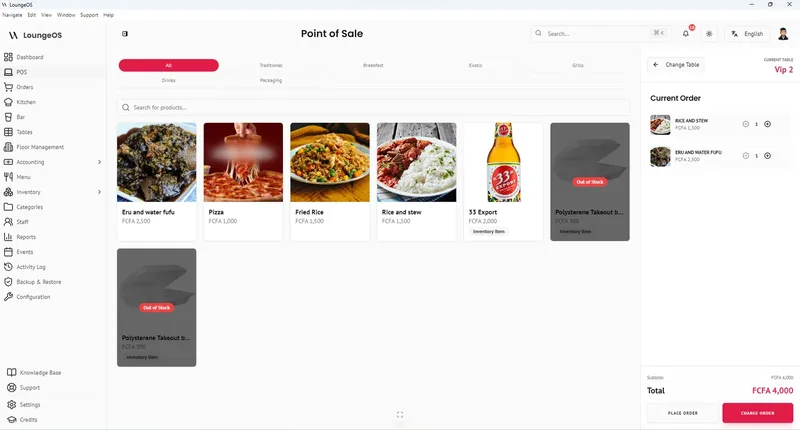
The phone app: notifications and widget
Notifications by role, the home-screen widget, camera barcode scanning.
Learn more →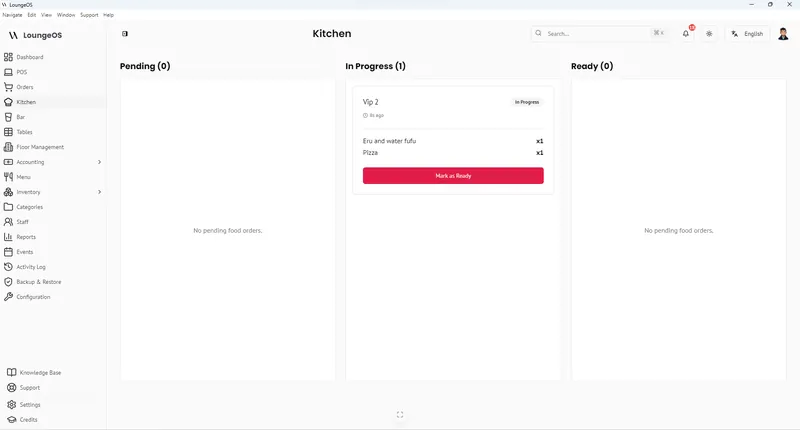
Restaurant POS on Android phones
What a phone POS does well, notifications by role, and when you still need a till.
Read guide →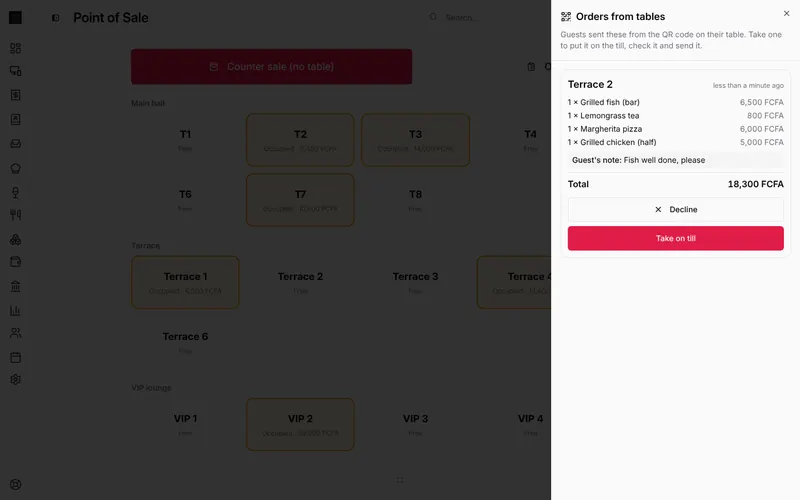
QR Code Table Ordering
Guests order from their phone, staff accept on the till. No app to install, no commission.
Learn more →