Customer Tabs
Customer tabs: sell on credit without the notebook
Regulars who pay at the end of the month, a company account, the neighbour who settles on Friday. Put the sale on their tab in two taps, and always know who owes what and since when.
14-day free trial · No payment up front · Sells offline on Windows and Mac
Need help installing or setting up LoungeOS for your business? Message or call us on WhatsApp +237 679 690 703 (call)
In bars, lounges, snack bars and neighbourhood shops across Africa, credit is part of business. Good customers drink now and pay at the end of the month. The problem is the notebook: pages go missing, amounts are disputed, and nobody knows the total owed until the owner adds it all up.
Customer tabs in LoungeOS replace the notebook. They come with every plan.
Put a sale on a tab in two taps
At payment, the cashier presses Pay later and picks the customer by name or phone number, or adds a new one. The receipt shows whose tab the sale is on and the total they owe. The sale counts in that day’s sales; the money comes in later.
Know who owes what, and since when
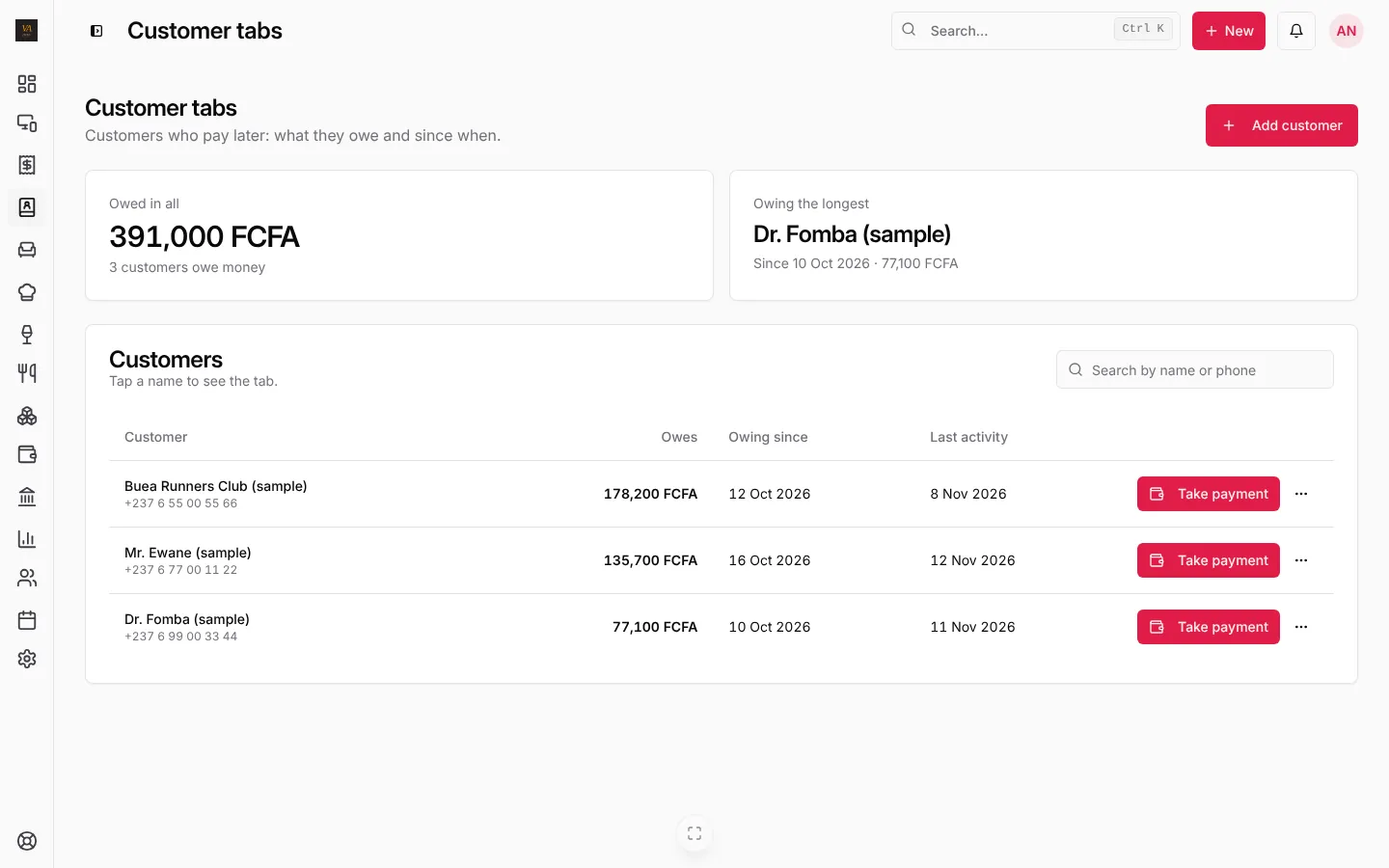
The Customer tabs page shows the total owed, how many customers owe money and who has owed the longest. Each customer’s line has their balance, when the debt started and their last activity. Tap a name to see every sale and every payment on the tab.
The dashboard’s Needs attention box shows the total owed and the oldest debt every day, so credit never grows quietly.
Take payments, in full or in part
When a customer comes to pay, press Take payment, type the amount (all or part of the balance) and choose cash, MTN Mobile Money, Orange Money or any method you use. LoungeOS shows what is left to pay.
Tab payments count as money taken that day, not as new sales, so your sales are never counted twice. In the accounts, a tab sale goes to receivables and the payment clears it, which is exactly how your accountant wants it.
Control who gives credit
- Only cashiers and managers can take tab payments.
- Only managers can remove a customer; their past sales keep their name.
- Every sale on a tab is linked to the staff member who made it.
Frequently asked questions
Can a customer pay part now and the rest on the tab?
Yes. In the payment window, press Two methods: part in cash or mobile money, the rest with Pay later.
Does it work offline?
Yes, on the Windows and Mac tills. Tab sales and payments made offline sync when the connection is back.
Is there a step-by-step guide?
Yes: Customer tabs: pay later in the help centre.
Run your next service on LoungeOS
Create your account, answer the setup wizard and your business is ready on day one. Try it free for 14 days with Business features. No payment up front.
Explore more
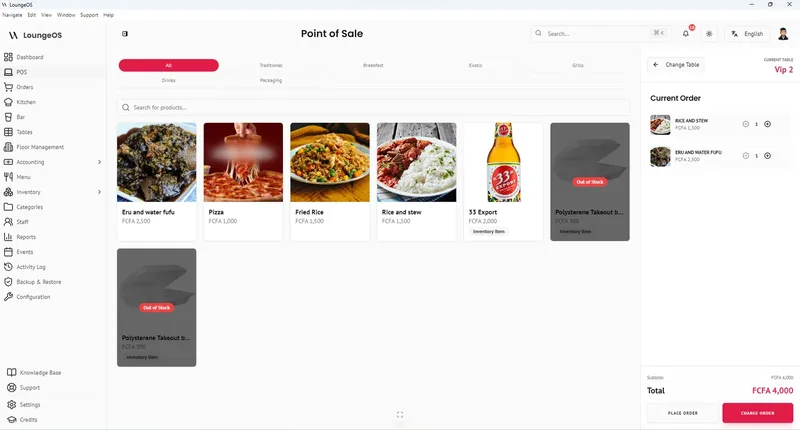
Customer tabs (pay later)
Sell on credit, see who owes what and since when, take tab payments.
Learn more →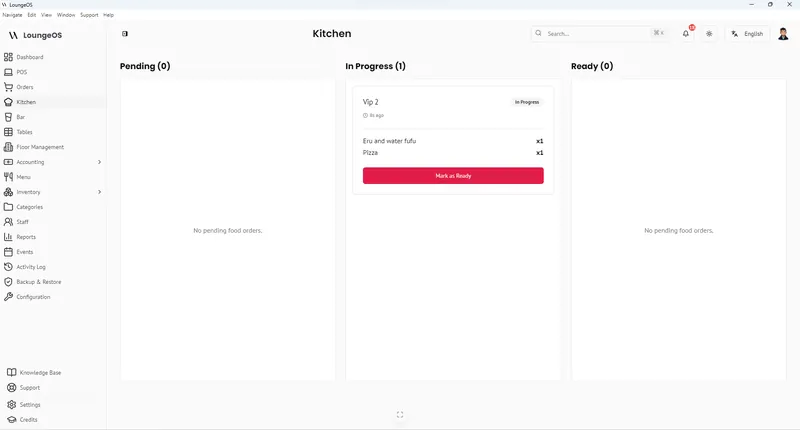
Customer credit and tabs
Rules, limits and follow-up for selling on credit, and replacing the notebook.
Read guide →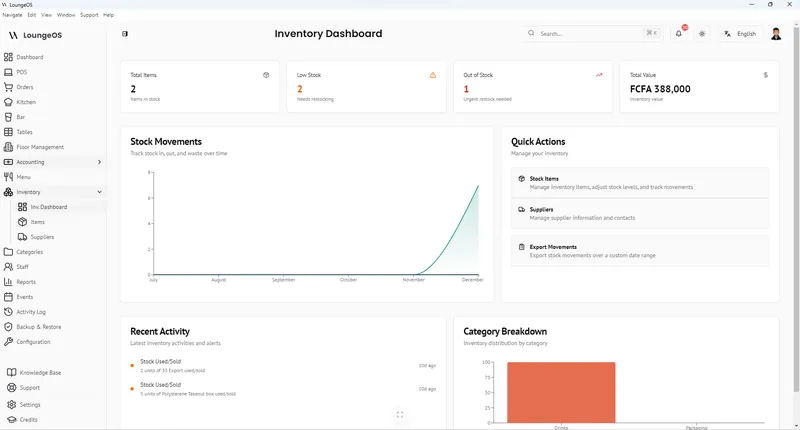
Mobile Money & Payments
Create your own payment methods, MTN MoMo and Orange Money included. Record references and split one bill across methods.
Learn more →