On this page
Stock comes with every plan. The Stock Manager role is for the person who receives deliveries and counts.
Products or stock items? A product is what you sell on the till (a plate of grilled fish). A stock item is what you buy and keep (kilos of fish). Drinks you buy and resell as they are can be stock items sold on the till.
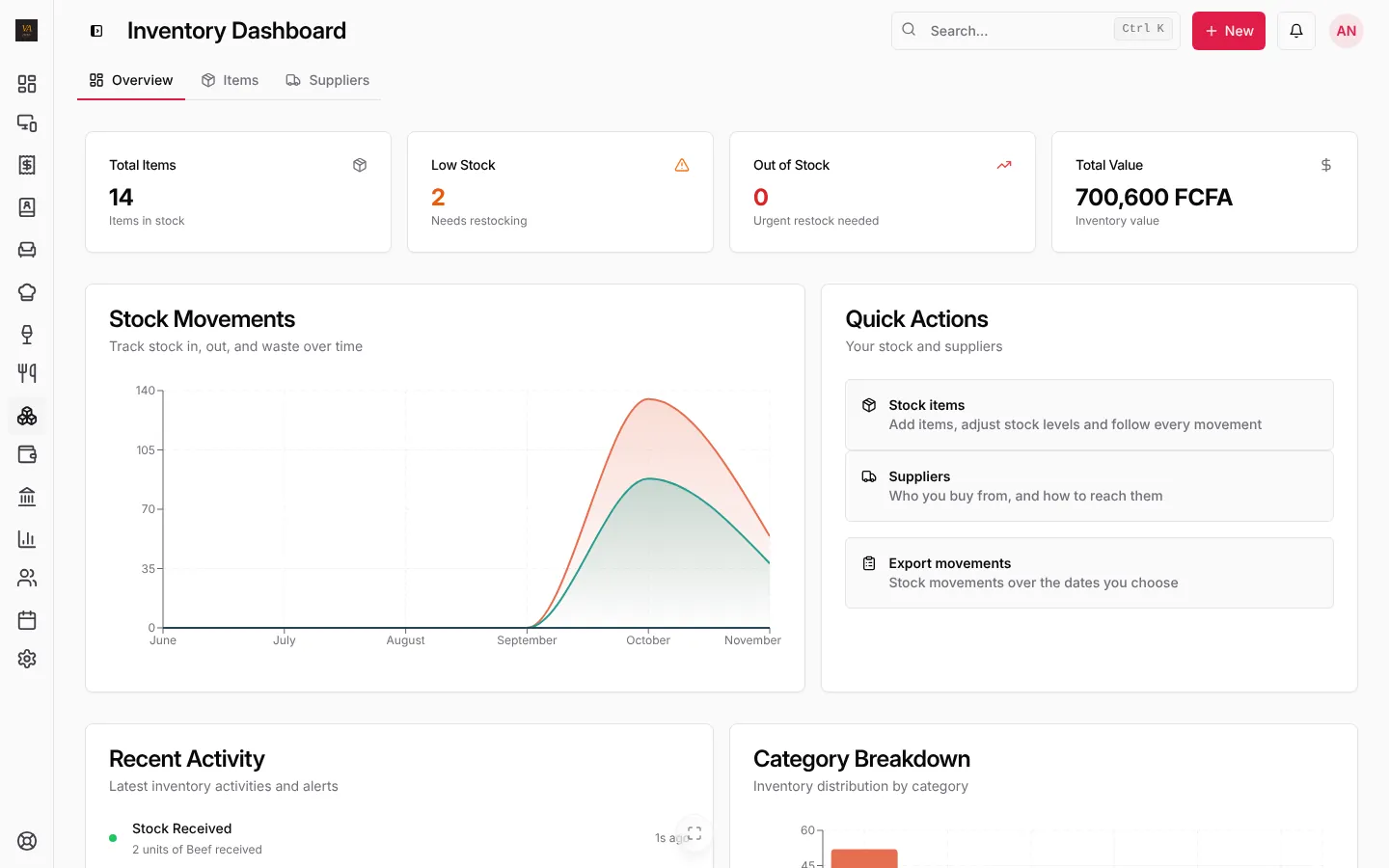
The stock overview
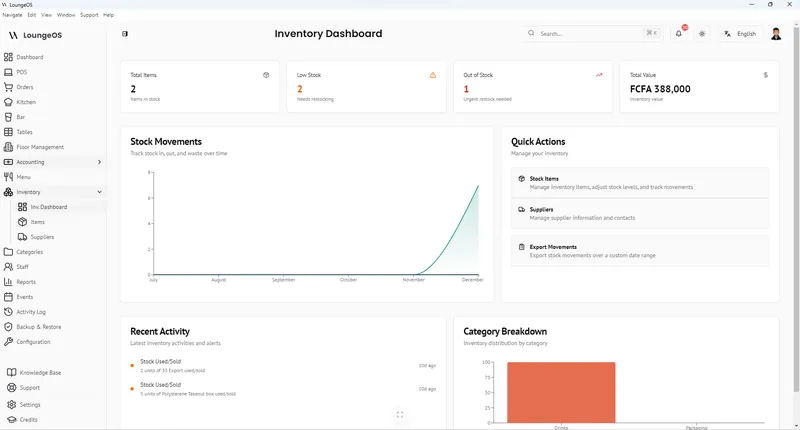
Open Stock. The Overview tab shows how many items you track, how many are low or out of stock, the value of what you hold, stock movements over time and the latest activity.
Add a stock item
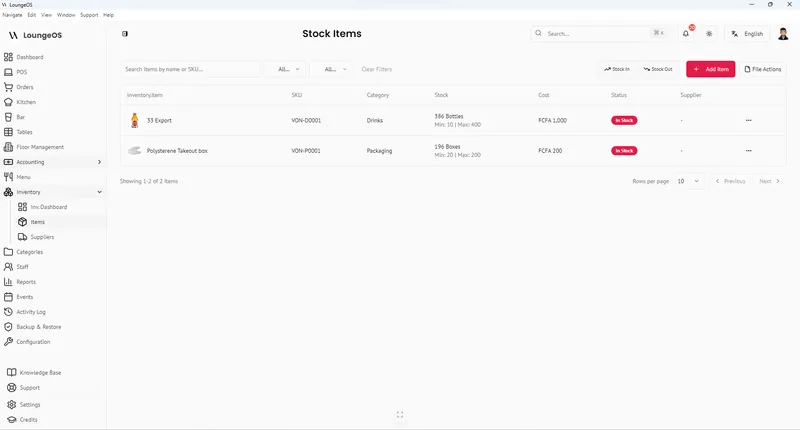
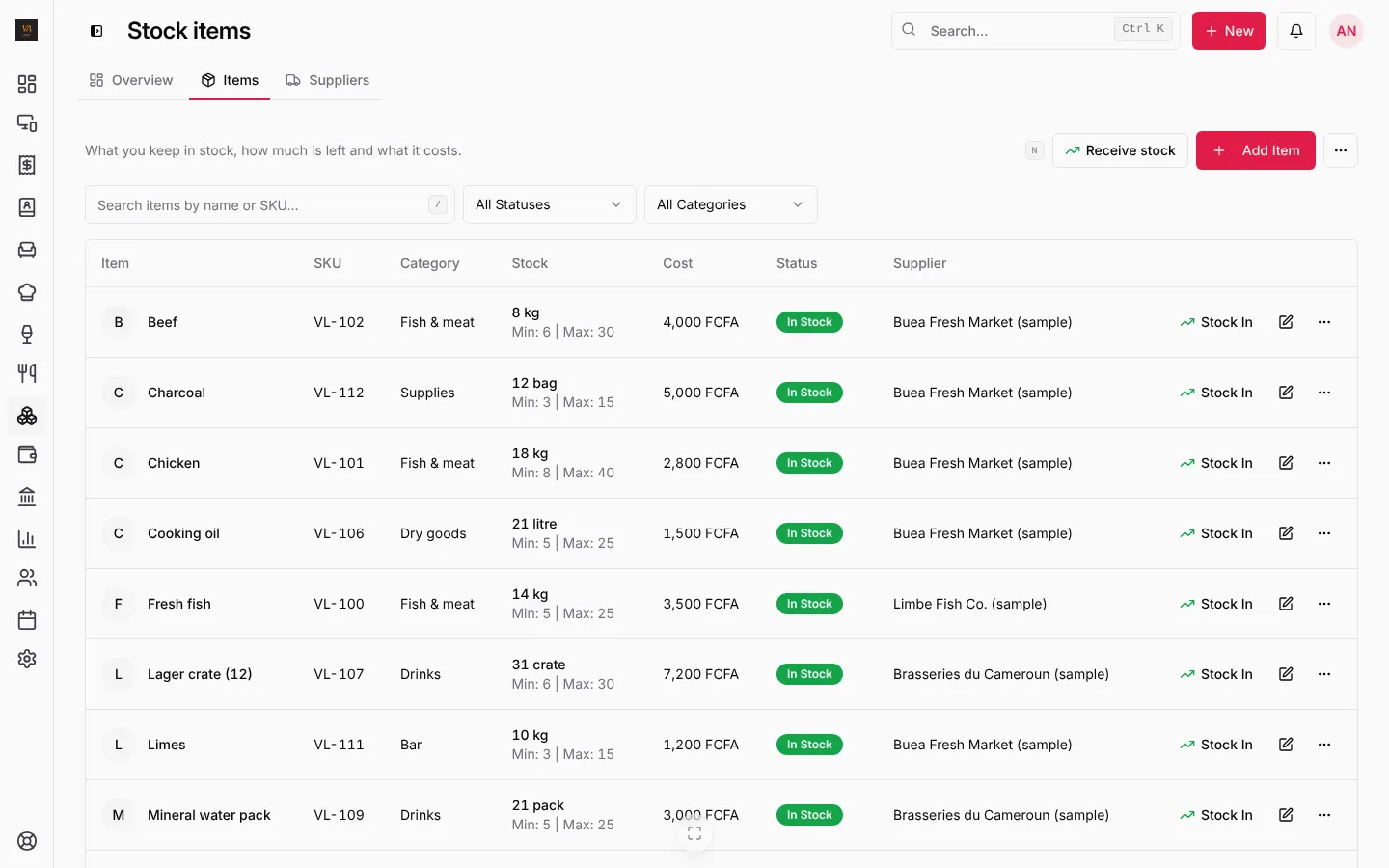
- Open the Items tab and press Add Item (or + New, Receive stock for a delivery).
- Fill in the name, SKU, category, unit (kg, crate, bottle, bag…), current stock, minimum level and maximum level, the cost per unit and the supplier.
- Optional: a photo, a barcode, and Sell on the till with a selling price for things you resell as they are.
- Save.
Receive a delivery
For one item, press Stock in on its row, type the quantity, the cost and a reference (the supplier’s delivery note) and save.
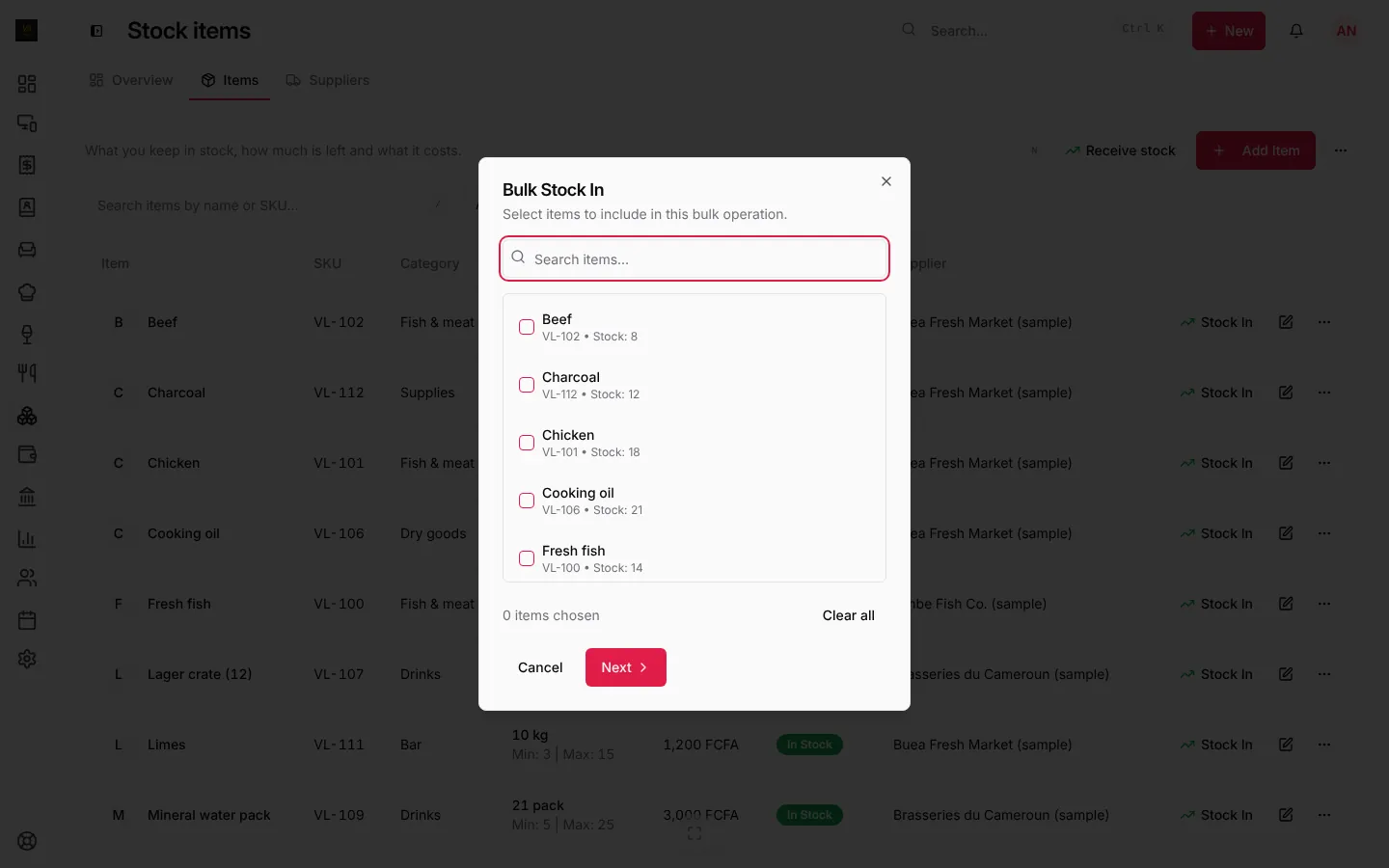
For a whole delivery, press Receive stock (or + New, Receive stock):
- Bulk Stock In opens. Tick every item in the delivery.
- Press Next, then type each quantity and cost, and a reference such as PO-12345.
- Press Process Movement.
Stock out, waste and adjustments
From an item’s menu, record Stock out (used in the kitchen), Waste or Damage (with a reason), or an adjustment after a count. Every movement is kept with who did it and when. Export movements downloads them for any dates.
Low-stock alerts
When an item falls under its minimum level it turns Low Stock, and Out of Stock at zero. You see it:
- on the dashboard’s Needs attention, with Restock,
- on the stock overview,
- as a phone notification for the stock manager and managers.
Suppliers
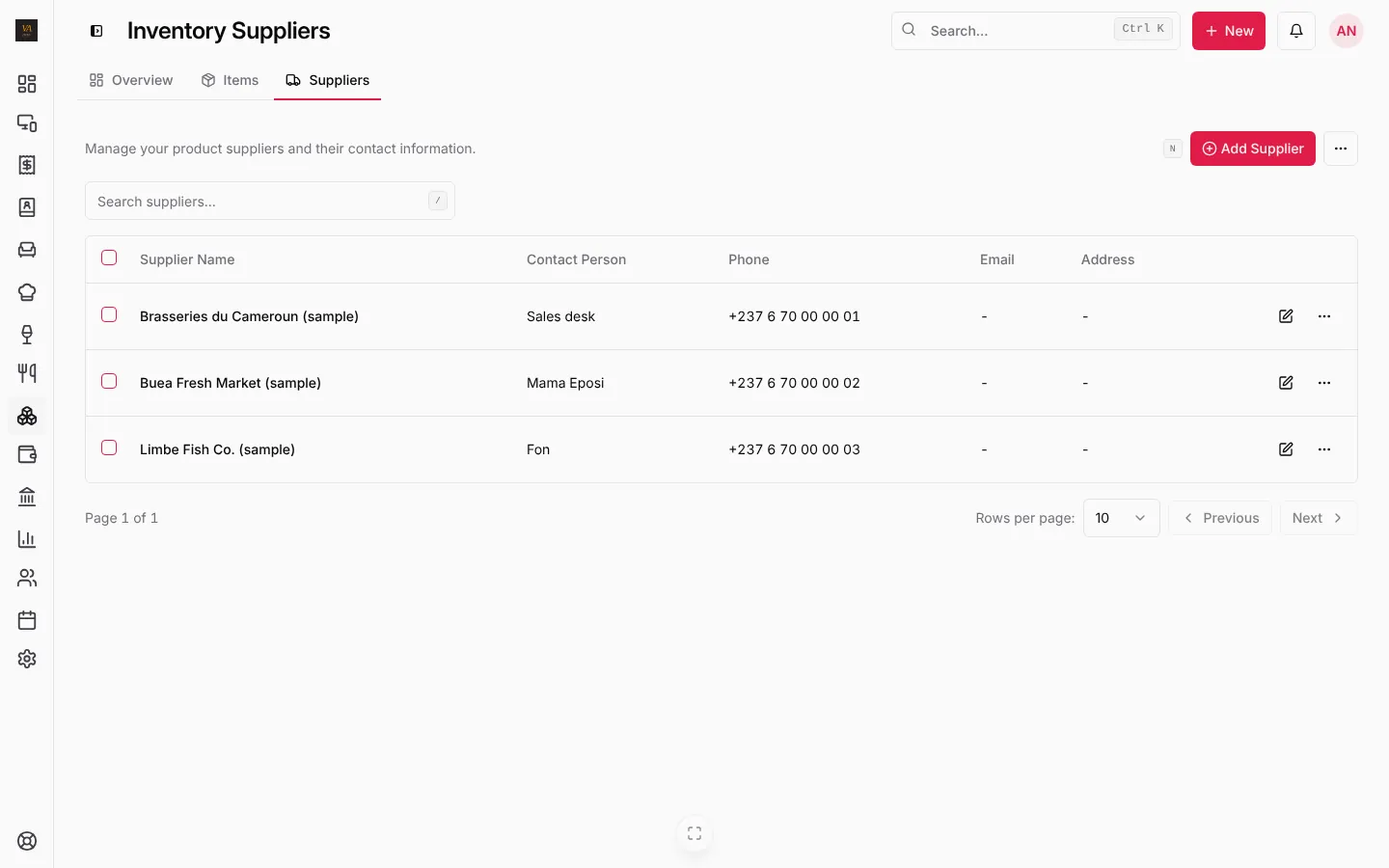
Open the Suppliers tab and press Add Supplier: name, contact person, phone, email and address. Link stock items to their supplier so you know who to call when something runs low. Suppliers import from CSV too.
Frequently asked questions
Do sales take stock off automatically?
Products with a quantity, and stock items sold on the till, come off at each sale. Ingredients used in cooked dishes are recorded as stock out or by a count; recipes that take off each ingredient are not in LoungeOS yet.
How do I find where stock went missing?
Compare the movements with your count, and check the activity log for adjustments and waste. Our guide to bar shrinkage explains a weekly routine.
Stuck on a step? Write to support@loungeos.app or WhatsApp +237 679 690 703 and say which page you are on.