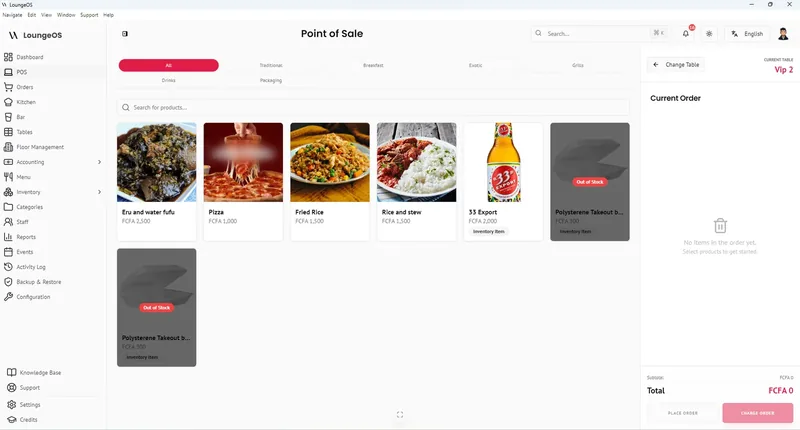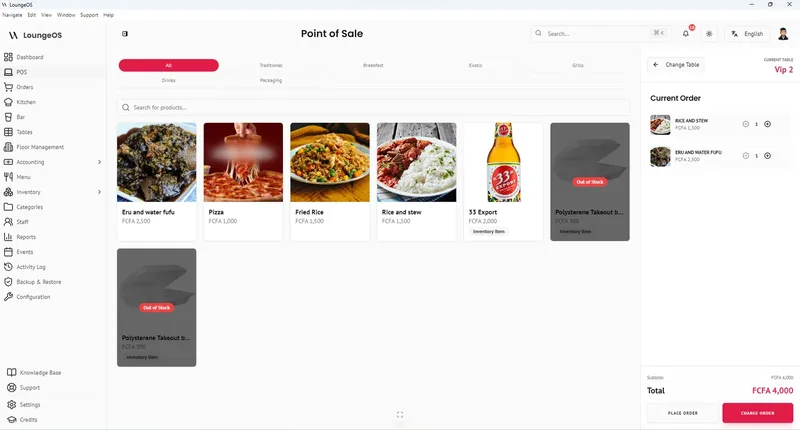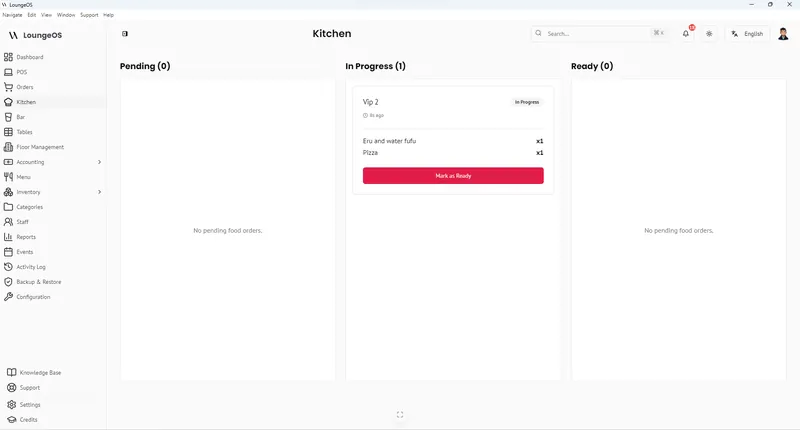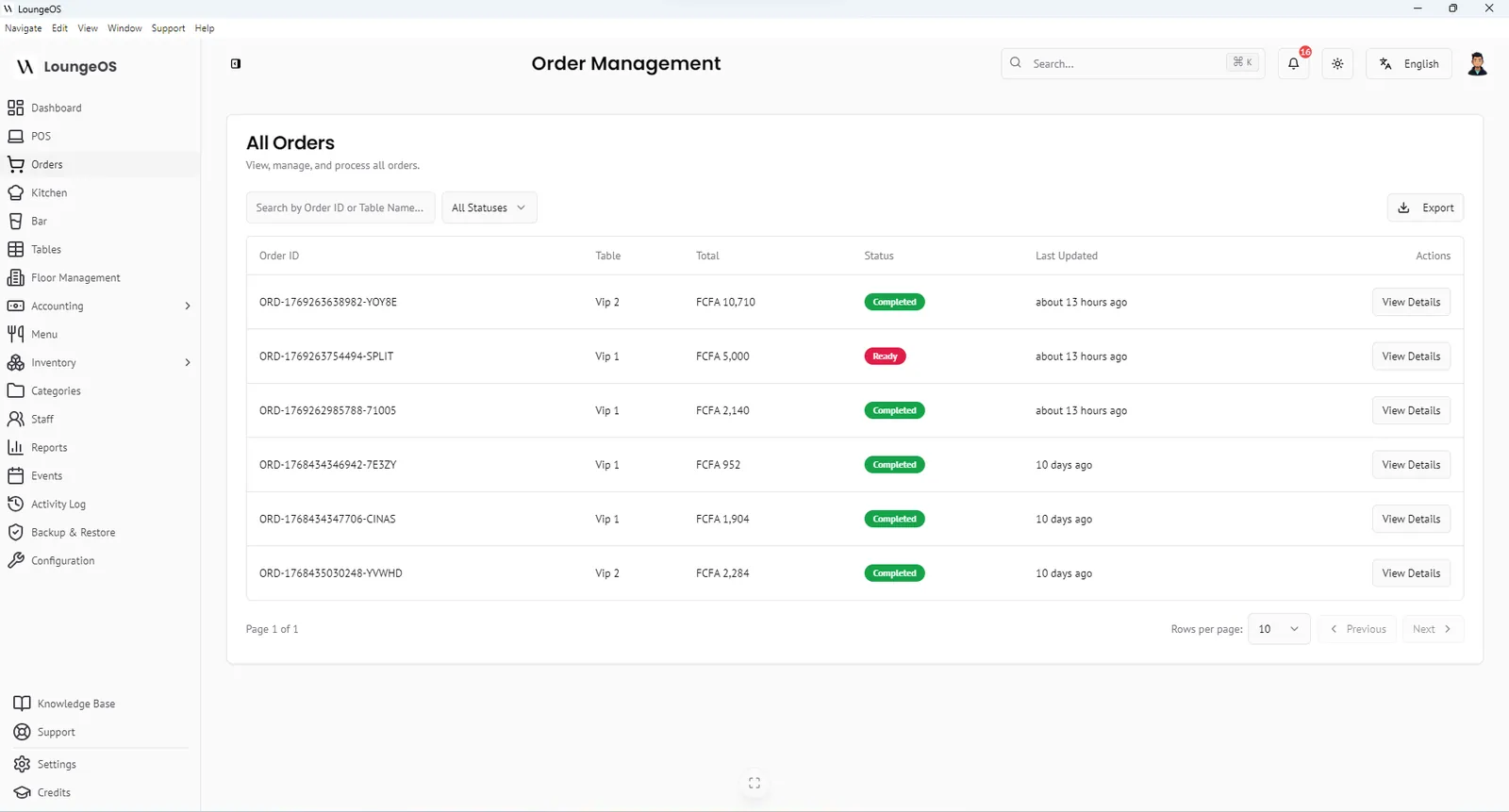
SambaPOS is a respected restaurant point of sale, especially where internet is unreliable. Its own site says it “doesn’t rely on the internet to run”, and its rules and automation can model almost any workflow. Owners start looking for an alternative when the person who set it up leaves, the server PC fails, or they want to see the day’s sales from their phone.
Disclosure: we make LoungeOS, one of the alternatives below.
Where SambaPOS gets hard
You run the server
SambaPOS runs on Windows with a local database. That machine becomes critical: if its disk fails and there is no recent backup, the history goes with it. Updates, database maintenance and backups are your job or your reseller’s.
Configuration is a skill
SambaPOS is flexible because almost everything is a rule, an action or an automation command. That flexibility means changes (a new printer, a new discount, a new tax) often need the person who built your setup.
Prices through resellers
The SambaPOS site offers a one-month free trial of the full version, then points you to buy V5 Pro. Licence prices are not published there, so the total depends on your reseller, terminals and add-ons.
The alternatives
| Offline | Who maintains it | Remote access | Price model | |
|---|---|---|---|---|
| LoungeOS | Windows and Mac tills keep every function up to 7 days | We do: cloud copy, daily backups, updates | Phone, tablet or any browser | US$10, 25 or 50 a month |
| SambaPOS | Fully local | You or your reseller | Through add-ons | Licence through resellers |
| Loyverse | Partial | Cloud | Yes | Free core, paid add-ons |
| Odoo | POS session only | Integrator | Yes | Licence plus integrator |
LoungeOS: SambaPOS’s offline strength, without the server
- Offline where it matters: the Windows and Mac tills keep your data on the computer and keep selling without internet for up to 7 days. Phones and tablets on the same Wi-Fi keep taking orders through the desktop app.
- A cloud copy and daily backups, so a broken PC does not take your history with it.
- Set up in minutes: a wizard asks your business type, currency, taxes, payment methods and opening hours, then suggests menu, stock and expense categories.
- Kitchen and bar screens, tables, split bills, customer tabs, stock and accounting in one product.
- See the day from anywhere on the web dashboard.
From US$10 a month, with a 14-day free trial. See pricing.
Where SambaPOS is better: venues that need deeply custom rules and have a trusted local installer.
Run your next service on LoungeOS
Create your account, answer the setup wizard and your business is ready on day one. Try it free for 14 days with Business features. No payment up front.
Frequently asked questions
Does LoungeOS work without internet like SambaPOS?
On Windows and Mac, yes, for up to 7 days without syncing, with a warning during the last days. The web and Android apps need internet.
Is SambaPOS free?
SambaPOS offers a one-month free trial of the full version. After that, V5 Pro is a paid licence, usually sold through resellers.
Can I import my SambaPOS menu into LoungeOS?
Yes. Export your products to a spreadsheet and import them with the CSV template in LoungeOS.