In this guide
- First, separate two different problems
- 1. Make your POS independent of the internet
- 2. Put the critical devices on backup power
- 3. Have a payment plan for when networks fail
- 4. Keep the kitchen cooking
- 5. Protect the cold chain
- 6. Train the team with a one-page outage plan
- 7. After the outage: reconcile
- Frequently asked questions
A power cut at 8 p.m. on a Saturday can cost a restaurant its best hour of the week. Orders stop, the card machine dies, the kitchen goes dark and guests leave. Most of that damage is avoidable with a few hundred dollars of equipment and a one-page plan.
First, separate two different problems
Internet outage: the connection to the outside world drops, but you still have electricity. With the right POS, this should not affect service at all.
Power cut: electricity drops. Anything not on backup power stops. Your plan decides what stays on.
Most restaurants suffer from internet outages only because their POS depends on the cloud. Fix that first. It’s the cheapest win.
1. Make your POS independent of the internet
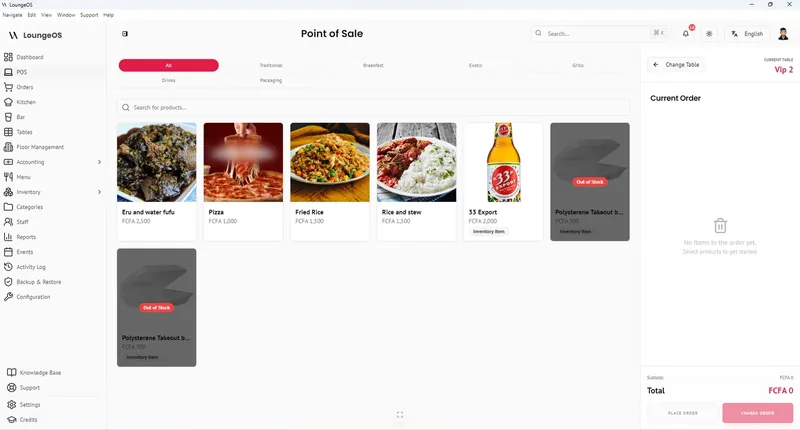
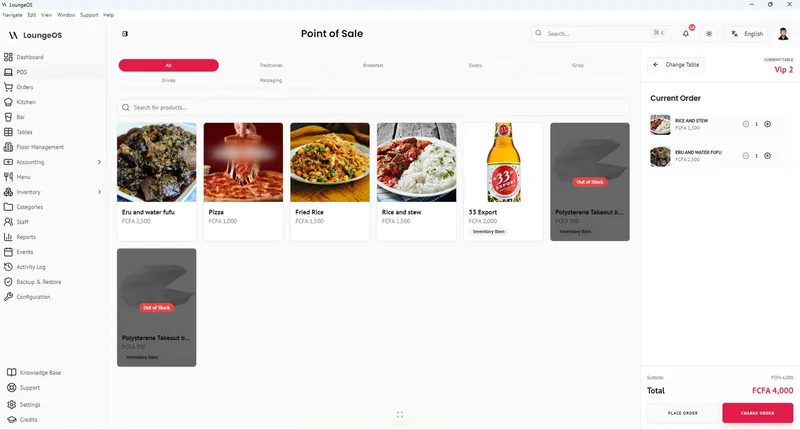
With an offline-first POS the system runs on a computer inside your restaurant, and waiters’ phones connect to it through your Wi-Fi router. The internet isn’t involved in taking an order. When the internet goes down, nothing changes for your team.
If you use a cloud POS, learn exactly what its offline mode can and can’t do. Some cannot close checks, process refunds or show stock levels offline, and some limit offline card payments by time. Train your team on the workarounds. See our comparison of offline restaurant POS systems.
2. Put the critical devices on backup power
You don’t need a generator for everything. You need power for a short list:
| Device | Why | Backup option |
|---|---|---|
| POS host computer | It’s the server | Laptop battery, or UPS for a desktop |
| Wi-Fi router | Connects all terminals | Small UPS or DC mini-UPS |
| Waiter phones, tablets | Order taking, kitchen screens | Their own batteries + power banks |
| Receipt printer | Nice to have | UPS if capacity allows, or print later |
| Lights at cashier and pass | Safety, speed | Rechargeable LED lights |
A laptop host and router draw roughly 60–80 W together, so a modest UPS or inverter can keep them running for a long time. See our hardware guide for sizing.
If you have a generator: put the host and router on a UPS anyway. The few seconds of changeover are enough to crash a computer and corrupt data.
3. Have a payment plan for when networks fail
Your POS can keep recording payments offline, but card terminals and mobile money depend on the bank’s and operator’s networks, which often fail during wide power cuts.
- Keep a cash float large enough to give change all evening.
- Card terminals with a SIM may keep working when your internet is down, but not when the mobile network is congested.
- Mobile money: don’t release a table until the payment shows on your merchant phone. If the network is down, ask for another method. See accepting mobile money safely.
- Put a small sign at the cashier when card or MoMo is unavailable. It saves a lot of arguments at the end of the meal.
4. Keep the kitchen cooking
- Gas cooking keeps working in a power cut. Electric induction, combi ovens and fryers don’t. Know which dishes you can still produce and prepare a short outage menu.
- Kitchen screens on tablets keep showing orders on battery, if the host and router are on backup.
- Extraction fans may stop. Reduce smoky cooking for safety.
5. Protect the cold chain
Spoiled stock is the hidden cost of outages.
- Keep fridge and freezer doors closed. According to the US food safety agency (USDA), a closed refrigerator keeps food safe for about 4 hours. A full freezer holds its temperature for about 48 hours (24 if half full).
- Log temperatures before and after the outage.
- Throw out high-risk foods (meat, fish, dairy, cooked dishes) that have been above 5 °C / 40 °F for more than about 2 hours. When in doubt, throw it out.
- Record discarded stock as waste in your inventory system so your margins stay honest. In LoungeOS that’s a Stock out (damage/waste/loss) entry.
6. Train the team with a one-page outage plan
Post this behind the counter:
- Manager announces the outage and checks the UPS is holding the host and router.
- Waiters keep taking orders on their phones. Nothing changes.
- Kitchen switches to the outage menu if electric equipment is down.
- Cashier switches to cash if card and MoMo networks are down and puts up the sign.
- Fridges stay closed. Note the time the power went off.
- After the outage: check temperatures, record waste, reconcile cash and mobile money.
Run a 10-minute drill once a month on a quiet afternoon. Unplug the internet and the mains, and see what breaks.
7. After the outage: reconcile
- Compare the POS report with the cash drawer and mobile money wallets.
- Record any discarded food as waste.
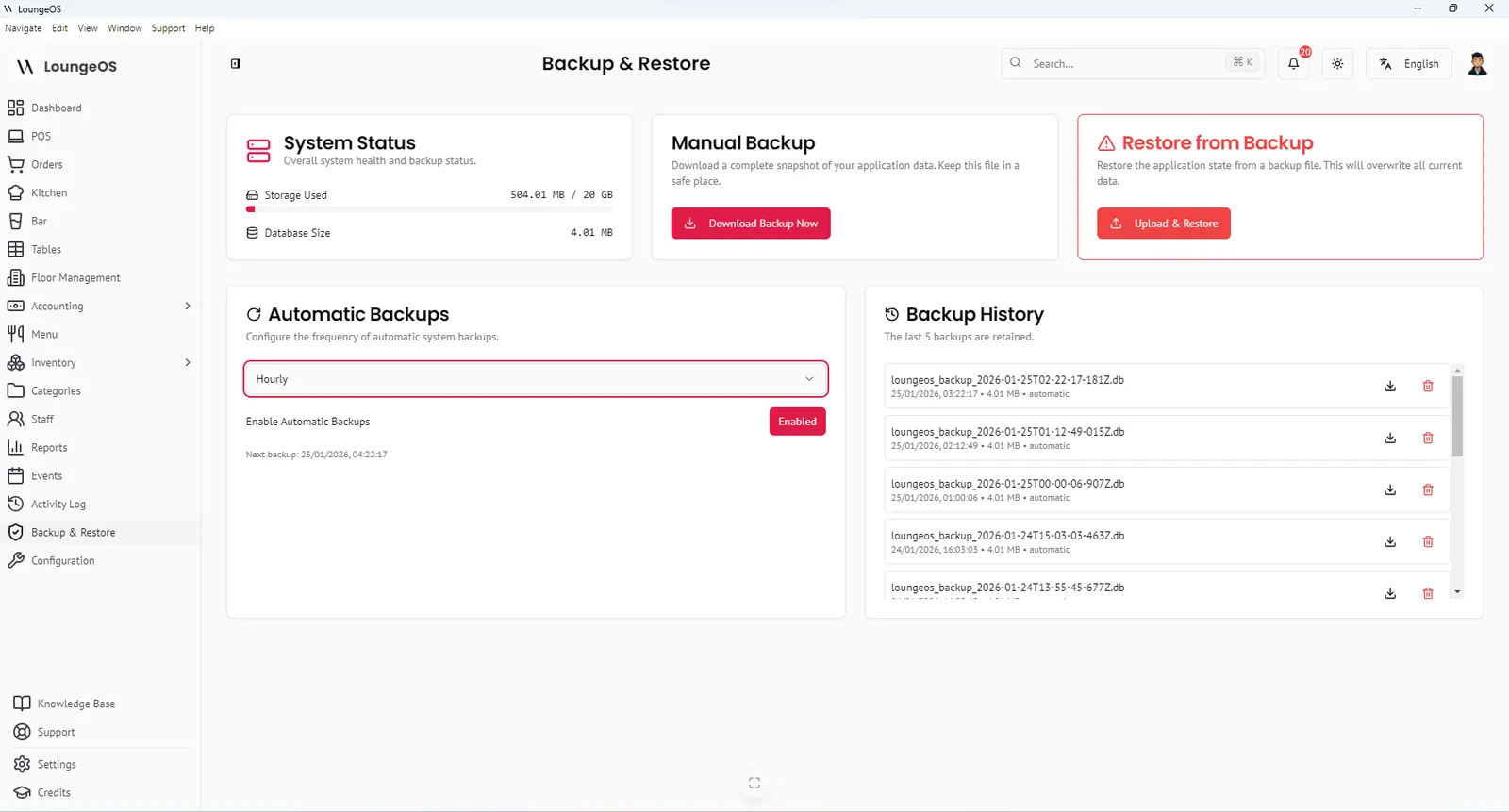
- Check the host computer restarted cleanly, and take a backup of the database.
Run your next service on LoungeOS
Install LoungeOS on a Windows computer, connect your tablets and phones over Wi-Fi, and run real service for 30 days. Free, no credit card.
Frequently asked questions
Can a restaurant POS work without internet?
Yes. An offline-first POS that runs on a computer in the restaurant keeps orders, kitchen screens and payments working without internet. Cloud POS systems offer offline modes with limitations.
What should be on a UPS in a restaurant?
At minimum the POS host computer and the Wi-Fi router. If capacity allows, add the receipt printer and some lighting. Never put fridges, coffee machines or heaters on a small UPS.
How long is food safe in a fridge during a power cut?
According to USDA guidance, about 4 hours if the door stays closed. A full freezer holds about 48 hours. Discard perishable food that has been above 5 °C / 40 °F for more than 2 hours.
How do I take payments when the card machine doesn’t work?
Accept cash, or mobile money if the operator’s network works and you can confirm payment on your merchant phone. Record every payment in your POS so the evening reconciles.