In this guide
Odoo is one of the most complete business suites you can buy, and its Point of Sale app is good. In Cameroon and across Africa, several partners sell and configure it, with modules for mobile money. So why do so many restaurant and bar owners look for an alternative after the first quote?
Disclosure: we make LoungeOS, one of the alternatives below.
When Odoo POS is the right choice
- You want one system for the whole company: point of sale, accounting, purchasing, warehouse, HR, website and online shop.
- You have, or will pay, a partner who configures it, trains your team and maintains it.
- You need custom workflows that a packaged product will not offer.
- You have several kinds of business (a restaurant, a distribution company and a shop) and want them in one database.
In those cases, Odoo’s breadth is worth its cost.
Where restaurants and bars struggle
Setup is a project
Odoo is configured, not installed. Restaurant features (floors, tables, kitchen printers or screens, preparation display) are there, but someone has to set up the modules, the chart of accounts, payment methods, printers and user rights. That is usually an integrator’s work, billed by the day.
The real price is more than the licence
The licence depends on the edition and the number of users; see odoo.com/pricing. On top come hosting (Odoo’s cloud, a partner server or your own), the integrator’s days, modules from the app store (such as mobile money connectors) and the work of each major upgrade. Ask for a year’s total in writing.
Many screens for a simple job
A waiter needs to tap a table, add items and send. An accountant needs journals and statements. In a full ERP, both live in a large system where menus, settings and permissions take training.
Offline is partial
Odoo’s POS session can keep taking orders when the connection drops and send them when it is back, but everything else (stock, accounting, reports, other devices) depends on reaching the server. If the server is in the cloud, a long cut means a long gap.
The alternatives
| Best for | Offline | Accounting | Price model | |
|---|---|---|---|---|
| LoungeOS | Bars, lounges, restaurants, shops in Africa | Windows and Mac tills keep every function up to 7 days | Built in (Business and Pro) | From 6,000 FCFA a month, all-in |
| Loyverse | One counter, stable internet | Selling continues, refunds and stock levels stop | Through integrations | Free core, paid add-ons per store |
| SambaPOS | Venues with IT support | Local Windows server | Through other software | Licence through resellers |
LoungeOS: the restaurant parts of an ERP, without the project
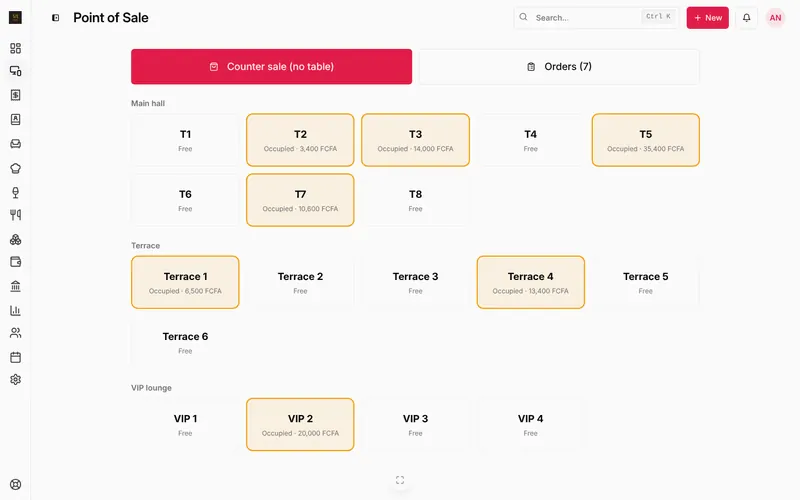
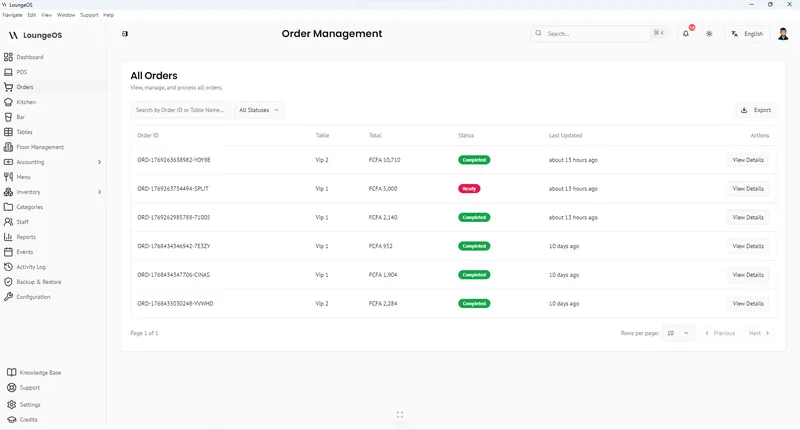
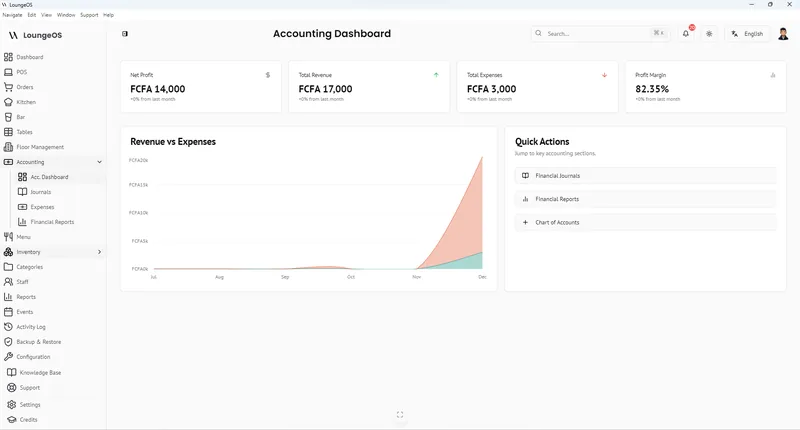
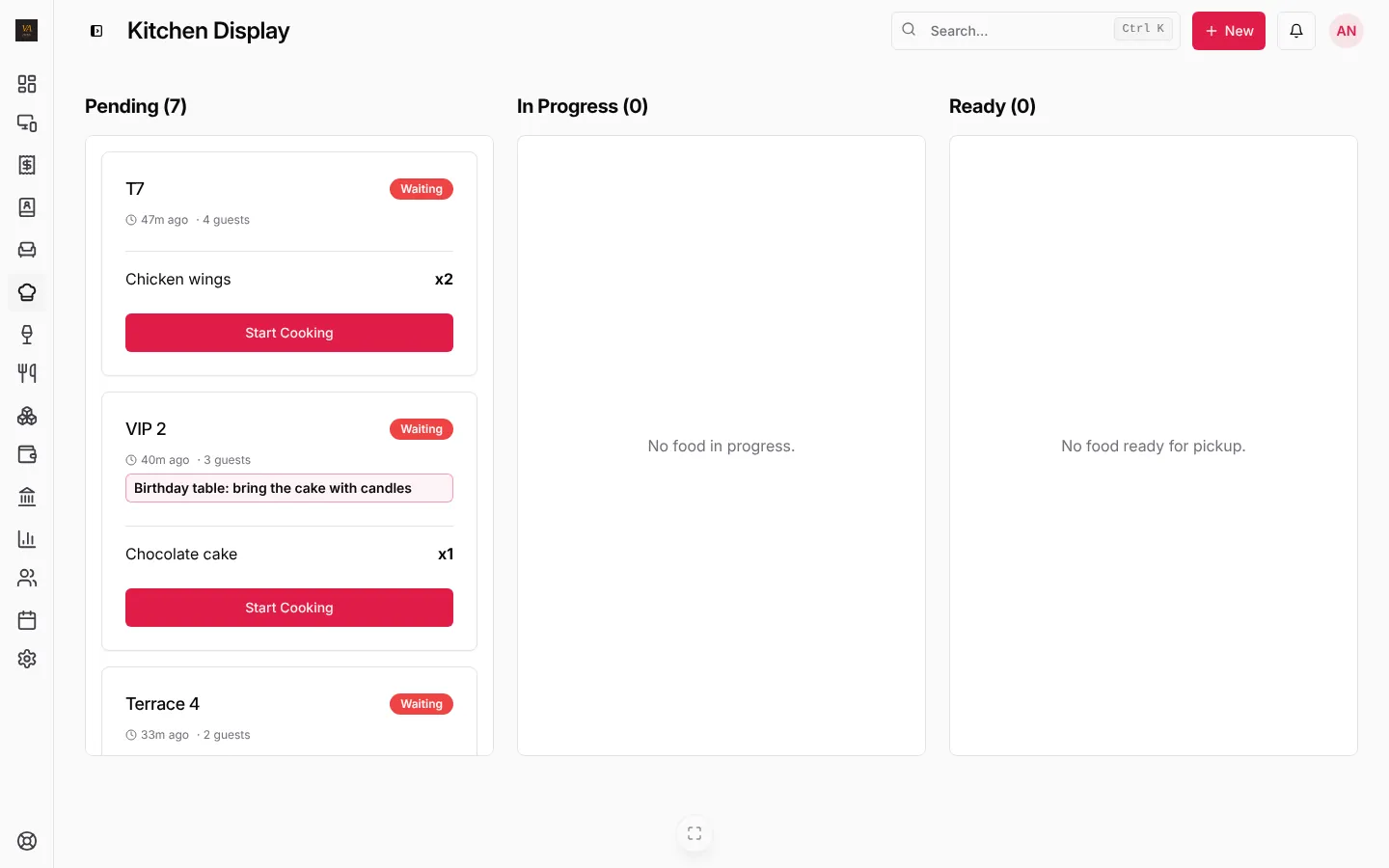
LoungeOS covers what a hospitality business uses every day: a till with photos and barcodes, floors and tables, kitchen and bar screens, stock and suppliers, customer tabs, staff roles with manager approvals, and double-entry accounting where every sale, tab payment, refund and expense posts its own journal entry, with a P&L, balance sheet and cash flow.
Setup is a wizard: three answers to start selling, six optional steps for logo, screens, categories, payment methods, receipts and team. No integrator. Plans are 6,000, 15,000 or 30,000 FCFA a month, paid by mobile money or card, with a 14-day free trial.
What it does not do: payroll, purchasing workflows, e-commerce, manufacturing. If you need those in the same system, Odoo is the better fit.
Loyverse: free and simple
A good fit when you need a counter POS today and stable internet is the norm. See our Loyverse alternatives and LoungeOS vs Loyverse.
SambaPOS: local and scriptable
Runs on a local Windows server and can be shaped to almost any workflow, with the complexity that comes with it.
Moving from Odoo to LoungeOS
- Export your products and categories from Odoo to a spreadsheet.
- Import them into LoungeOS with the CSV template in Menu, and stock items in Stock.
- Set each category to Kitchen or Bar, add tables and staff, and choose your payment methods.
- Keep Odoo for the period’s closing; start the new month in LoungeOS so your accountant has a clean cut-off.
Frequently asked questions
Is Odoo POS free?
Odoo has a free Community edition you host yourself and paid editions with more features and hosting. For a restaurant, the larger costs are usually configuration, hosting and support.
Does LoungeOS replace Odoo accounting?
For a restaurant, bar or shop, often yes: journals, chart of accounts, P&L, balance sheet and cash flow are built in. Payroll with payslips is included on Pro.
Which is better for a restaurant in Cameroon?
For a single restaurant or bar that wants to be selling this week, LoungeOS. For a group that wants one ERP across several companies, Odoo with a good local partner.
Run your next service on LoungeOS
Create your account, answer the setup wizard and your business is ready on day one. Try it free for 14 days with Business features. No payment up front.