Cafés, snack bars, fast-food counters and bakeries win on speed. The till has to take an order in seconds, the kitchen has to see it immediately, and the cashier has to take cash, card or mobile money without slowing the queue.
Disclosure: we make LoungeOS. We say where another product fits better.
What a counter business needs
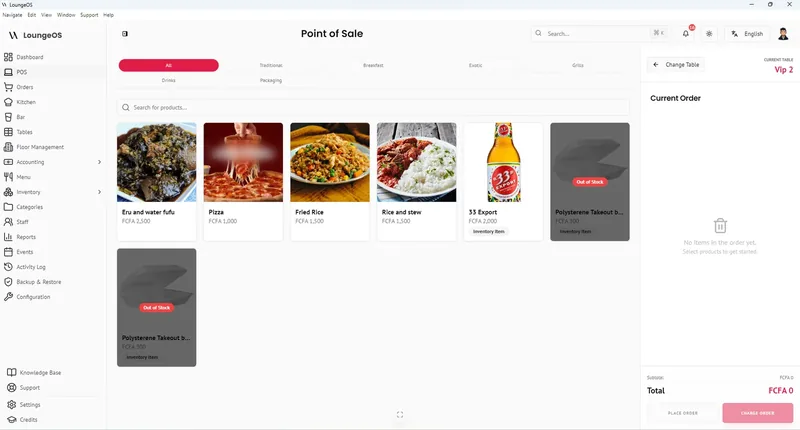
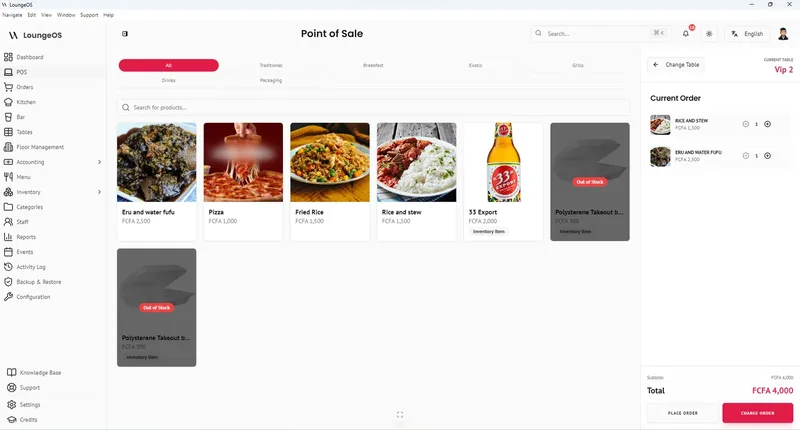
- One-tap ordering with item photos and search.
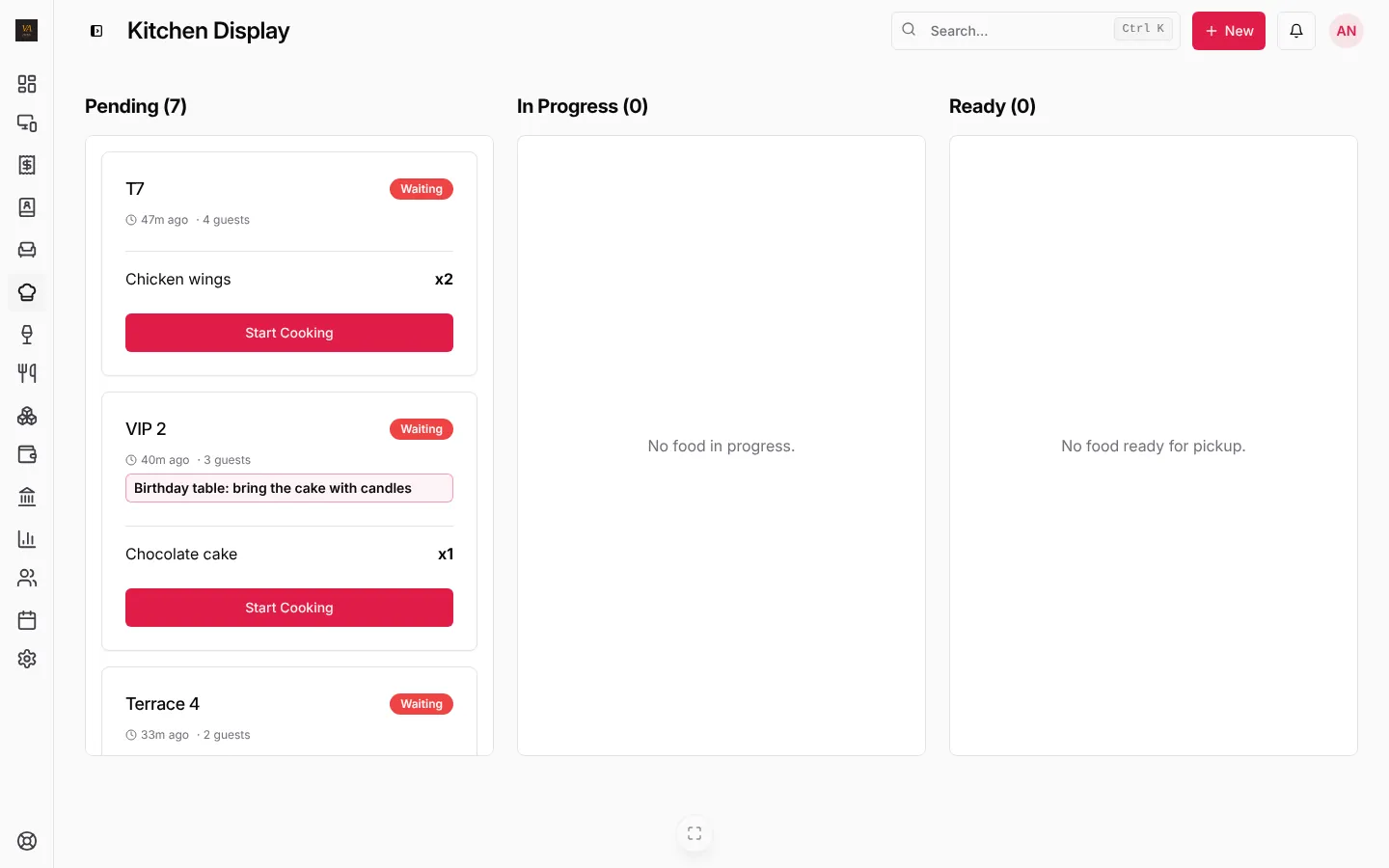
- Kitchen screen so orders reach the kitchen without paper tickets.
- Takeaway and eat-in on the same till.
- Split payments across cash, card and mobile money.
- Keeps selling offline during internet cuts.
- Stock of ingredients and drinks, with alerts.
The options compared
| Best for | Kitchen screen | Offline | Price | |
|---|---|---|---|---|
| LoungeOS | Cafés, snack bars, fast food, bakeries | Included | Windows and Mac tills up to 7 days | US$10, 25 or 50 a month |
| Loyverse | One small café | Paid add-on | Partial | Free core, add-ons |
| Square for Restaurants | Counters in Square’s 8 countries | US$20 to 30 a month per device | Check with Square | Free plan, then Plus and Premium |
| SambaPOS | Venues with IT support | Yes | Local | Licence through resellers |
LoungeOS for cafés and fast food
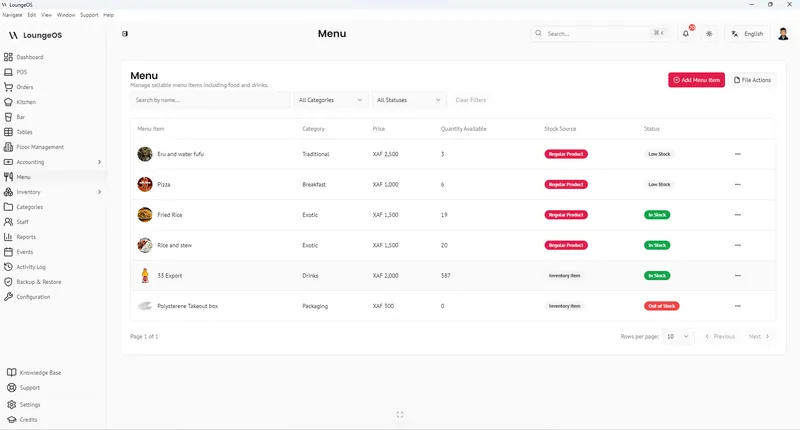
- Fast till with photos, search and barcodes for packaged items.
- Kitchen and bar screens included, routed by category.
- Takeaway, eat-in and tables on one till.
- Cash, card and mobile money, split between methods.
- Offline on Windows and Mac for up to 7 days.
- Stock, expenses and daily reports.
See LoungeOS for cafés and fast food and pricing.
Run your next service on LoungeOS
Create your account, answer the setup wizard and your business is ready on day one. Try it free for 14 days with Business features. No payment up front.
Frequently asked questions
What is the best POS for a small café?
For a single counter with stable internet, Loyverse’s free core is hard to beat. For a café with a kitchen, several staff and internet cuts, LoungeOS from US$10 a month.
Do I need a kitchen printer or a kitchen screen?
Either works with LoungeOS. A kitchen screen on any tablet removes lost paper tickets and shows how long each order has waited.