In this guide
- Key terms
- Principle 1: one person, one login
- Principle 2: least privilege by role
- Principle 3: approvals where money leaves the bill
- Principle 4: reasons, not just records
- Principle 5: discounts as rules, not free text
- The weekly permissions review (10 minutes)
- Common mistakes
- Frequently asked questions
Every POS action that changes what a customer pays is an opportunity for an honest mistake or a dishonest decision. Permissions decide who can take those actions, under what conditions, and with what record.
Key terms
- Void / cancellation: removing an item or an entire order. Before it’s sent to the kitchen it’s usually harmless. After it’s sent, or after payment, it’s the most common theft vector.
- Comp: giving an item free of charge, for example to apologise for a mistake.
- Discount: reducing the price, either a percentage or a fixed amount.
- Refund: returning money for a paid item.
- Split / merge: moving items between bills or tables.
Principle 1: one person, one login
Shared logins make every control useless, because you can’t attribute anything. Give every staff member their own account, require them to log in on whichever device they use, and set sessions to time out when idle. In LoungeOS, inactive sessions log out automatically after two hours.
Principle 2: least privilege by role
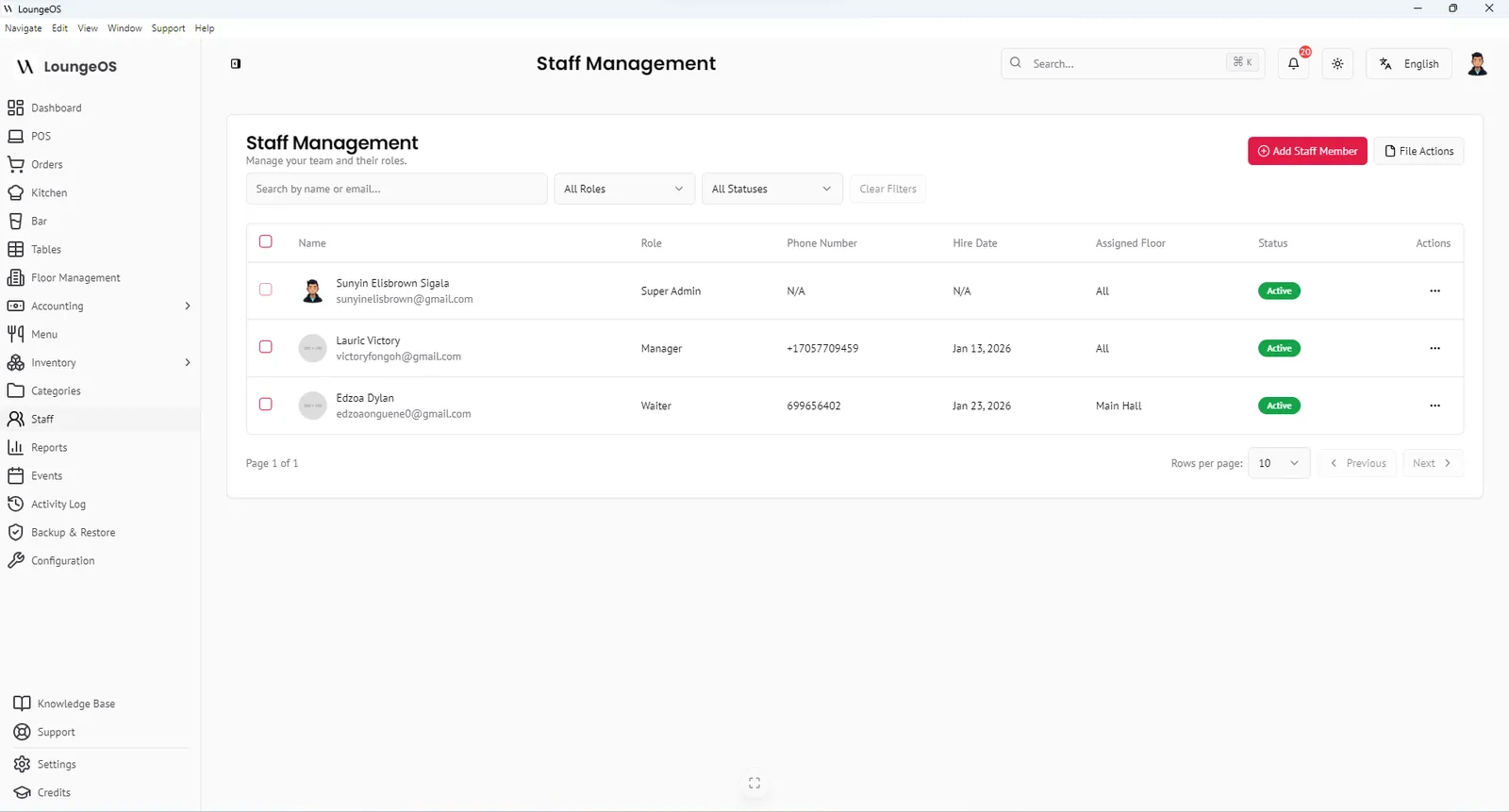
Design roles around jobs, not people. Here’s the role matrix LoungeOS uses, a useful template even if you use another system:
| Role | Dashboard | POS | Kitchen/bar screens | Stock | Accounting | Configuration |
|---|---|---|---|---|---|---|
| Super Admin (owner) | Full | View only | View only | View only | View only | Full |
| Manager | Full | Full | Full | Full | Sync & view | Visual & layout |
| Accountant | Financial | View only | None | View only | Full | None |
| Stock manager | Stock stats | None | None | Full | None | None |
| Chef | None | None | Kitchen | Menu catalogue | None | None |
| Waiter | Own floor’s tables | Order taking | None | None | None | None |
| Cashier | POS / bills | Payment processing | Bar display | None | None | None |
| Bartender | None | None | Bar | None | None | None |
Notice the separation of duties: the waiter who takes the order doesn’t take the payment, the cashier can’t change prices or stock, and the owner’s configuration account isn’t used to ring up sales.
Principle 3: approvals where money leaves the bill
Not every action needs a manager. Too many approvals slow service and push staff to share the manager’s password, which is worse. A good default:
| Action | Who can do it | Approval |
|---|---|---|
| Remove an item before sending | Waiter | None |
| Remove an item after sending | — | Manager credentials |
| Cancel an order (customer left, error) | Waiter, chef, bartender | Reason required, logged |
| Reactivate a cancelled order | Manager | Manager only, within 24 h |
| Apply a discount | Cashier, waiter | Only pre-configured discount rules |
| Split or merge bills | Manager | Manager only |
| Refund | Manager | Manager + reason |
| Change prices or menu | Manager, chef (menu) | Logged |
| Adjust stock (damage/waste/loss) | Stock manager, manager | Reason, logged |
LoungeOS enforces most of these rules out of the box. Removing items from sent orders requires manager credentials, splitting, merging and reactivating orders are manager-only, discounts come only from configured rules, and every cancellation needs a reason.
Principle 4: reasons, not just records
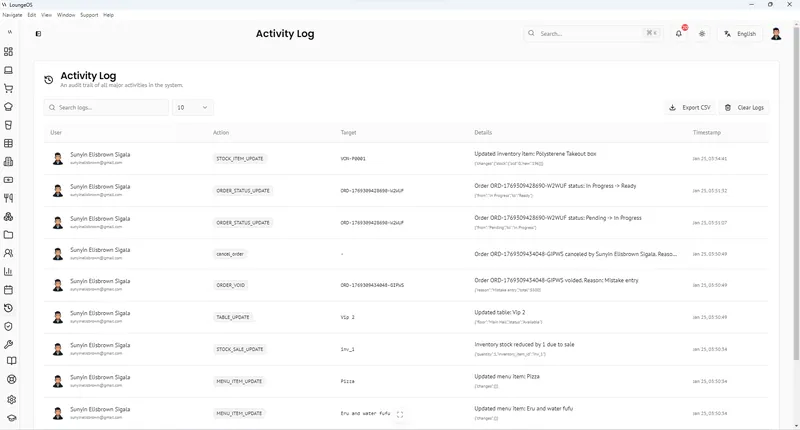
A log that says “Order cancelled by Paul at 23:41” is useful. A log that says “Order cancelled by Paul at 23:41: customer left” is far more useful, because you can count reasons. Use a short, fixed list:
- Customer left / changed mind
- Wrong entry
- Out of stock
- Quality problem (comp)
- Other (with note)
Principle 5: discounts as rules, not free text
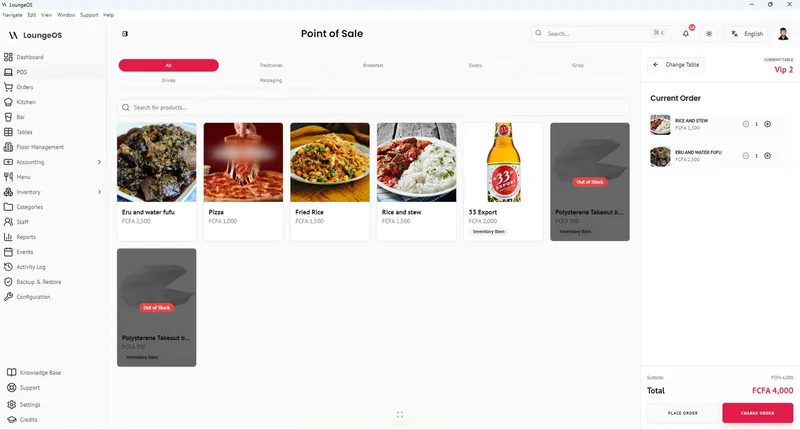
If staff can type any discount, they will, generously and inconsistently. Pre-configure the discounts you allow: happy hour 20%, staff meal 50%, loyalty 10%. Switch off discounts entirely if you don’t use them.
The weekly permissions review (10 minutes)
- Cancellations by person and reason. Look for outliers.
- Discounts by person. Are they in line with your rules and with sales?
- Manager approvals. Is one manager approving far more voids than others?
- Failed login attempts. Repeated failures can mean password guessing.
- Off-hours activity. Logins or changes after closing.
- Staff list. Remove accounts for people who left. Do it the day they leave.
Common mistakes
- Sharing the manager password with the head waiter “for speed.” Give them a manager role instead, or accept the extra seconds.
- Using the owner’s admin account for daily work. Keep it for configuration.
- Forgetting to remove ex-staff accounts.
- Never looking at the log. Controls only deter if staff know someone reviews them.
Run your next service on LoungeOS
Install LoungeOS on a Windows computer, connect your tablets and phones over Wi-Fi, and run real service for 30 days. Free, no credit card.
Frequently asked questions
Who should be allowed to void items in a restaurant POS?
Waiters can remove items before an order is sent to the kitchen. After sending, voids should require manager approval and a reason, and be reviewed weekly by staff member.
What is the difference between a void and a comp?
A void removes an item from a bill, for example because it was entered by mistake. A comp keeps the item on the record but gives it free of charge, for example to apologise for a service problem. Both should be logged with reasons.
Should waiters handle payments?
Separating order-taking from payment, with dedicated cashiers, reduces fraud. In smaller venues where waiters collect payment, personal logins, payment references and daily reconciliation are essential.
How do I stop staff from sharing logins?
Make personal logins quick to use, set automatic timeouts, and make it a written rule that shared logins are a disciplinary matter. Review the activity log so staff know actions are attributed.